
Podcast backlinks are links from a show’s episode pages or show notes, usually added after you appear as a guest. Often, they are relevant and earned through a real conversation. However, show notes get moved, trimmed or rebuilt, so the links need a record and a check like any other.
Podcast backlinks: track links from guest appearances
Why podcast backlinks slip through the cracks
The episode is the focus. The link is an afterthought.
Guests usually focus on the conversation, so they forget to check the show notes. Then the episode page goes live weeks later, sometimes without the promised link. So many appearances never produce the link the host offered.
For example, picture a marketing lead who appears on eight industry podcasts in a year. When she finally checks, three episode pages link to her site, two link to the wrong page and three have no link at all. Because she kept a record of each host, she can ask for corrections politely.
Late publishing
Episode pages go live weeks after recording, so links get forgotten.
Missing links
The promised link never appears.
Platform moves
Shows switch hosting platforms, then pages change.
A simple routine for podcast backlinks
Record and wait, then check and follow up.
- Before recording: agree which page the host will link to.
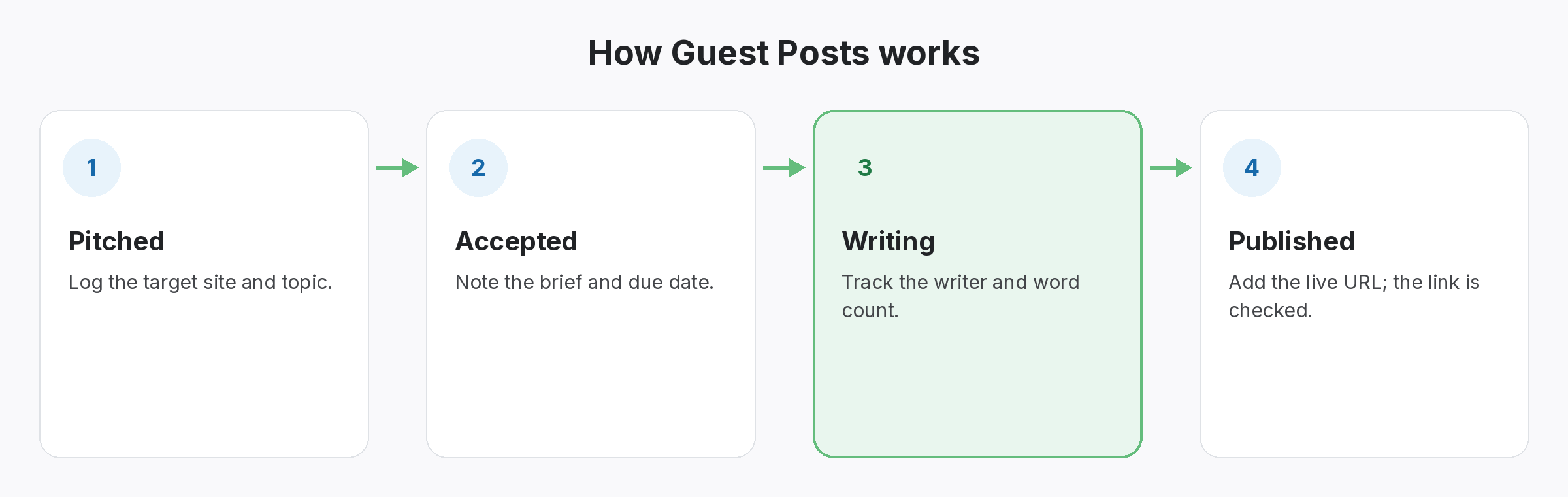
- After recording: log the show, host and expected publish date.
- When it goes live: record the episode page, target and anchor.
- Check the link: confirm it exists and points where agreed.
- Keep checking: episode pages change when shows move platforms.
Agree podcast backlinks before you record
One line in your prep email.
When you confirm the appearance, mention the page you would like linked, such as your homepage or a relevant guide. Hosts usually add a link to the guest’s site in show notes anyway. Then, once the episode is live, check the link and thank the host. In addition, Google’s guide to qualifying links explains why some hosts add nofollow.
- Ask: one page, in your prep email.
- Wait: note the expected publish date.
- Check: the link once the episode is live.
Keep podcast backlinks live over time
Shows move, and pages change.
Many podcasts eventually switch hosting platforms or redesign their sites. When that happens, episode pages can lose links or move to new addresses. So keep every appearance in one record with the host’s contact, and check the links regularly. If a link drops, a short note to the host usually fixes it.
- Record: show, episode page and host.
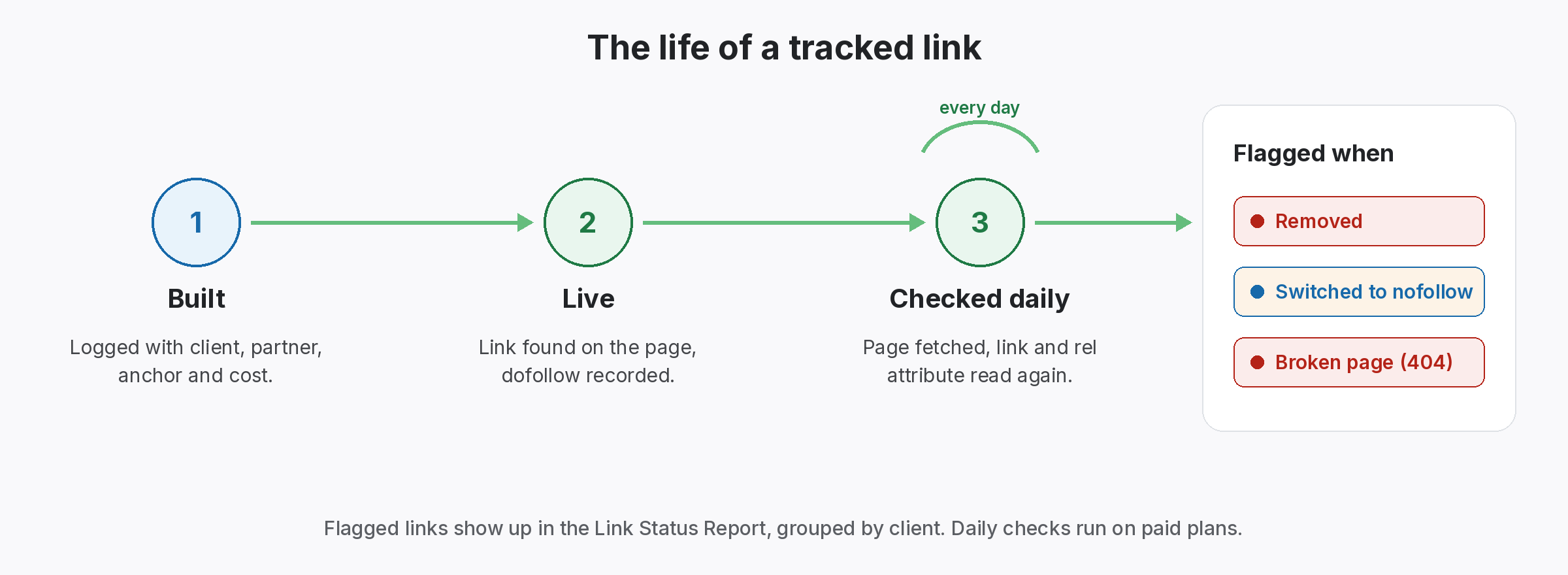
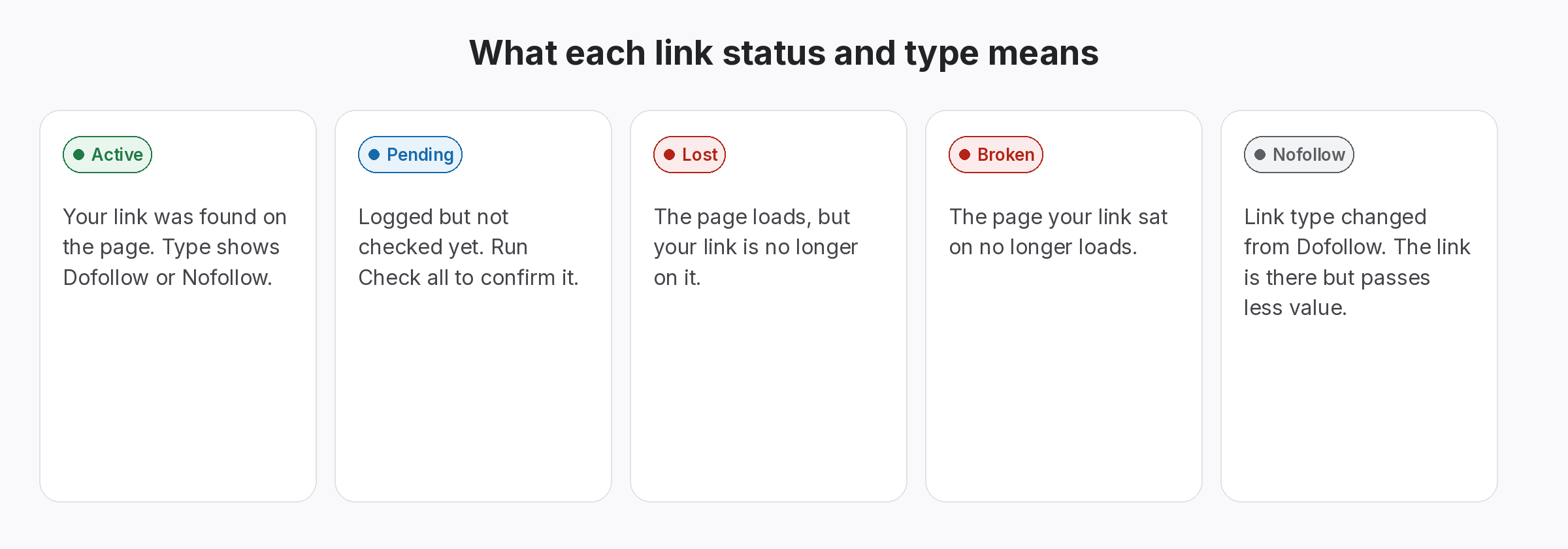
- Check: daily on paid plans (Starter+), or Check all on any plan.
- Follow up: a short note when a link drops.
Great conversations deserve a lasting link.
Record each appearance and check the show notes.
SEOENV features for appearance links
All of these are live in the app today.
Podcast appearances take real effort, and the link is often the only lasting trace on the web. So this page shows how to make sure it exists.
Are podcast backlinks worth chasing?
Yes, when the show fits your audience. The appearance itself builds trust, and the link is a natural result of being a guest. However, do not pitch shows only for the link; hosts notice. Besides, our guide to digital PR link tracking covers similar earned links, and unlinked brand mentions helps when a show mentions you without a link.
Also, keep host relationships warm. Then share the episode, thank the host and offer to help their audience again. Also, our guide to link partner relationships covers the habits that keep relationships healthy, in line with Google’s spam policies.
Questions about podcast backlinks
What are podcast backlinks?
Links from a show’s episode pages or show notes, usually added after a guest appearance.
Should I ask the host for a link?
Yes, politely. Mention the page you would like linked when you confirm the appearance.
Why do these links disappear?
Shows move platforms, redesign sites or trim old show notes.
Are they nofollow?
Sometimes, because the host decides, and both kinds can bring visitors.
How do I track them?
Record each episode page with host and target, then check the link regularly.
Track every appearance link.
Record each episode page and check the link stays live.