
By SEOENV Team | Published October 23, 2026
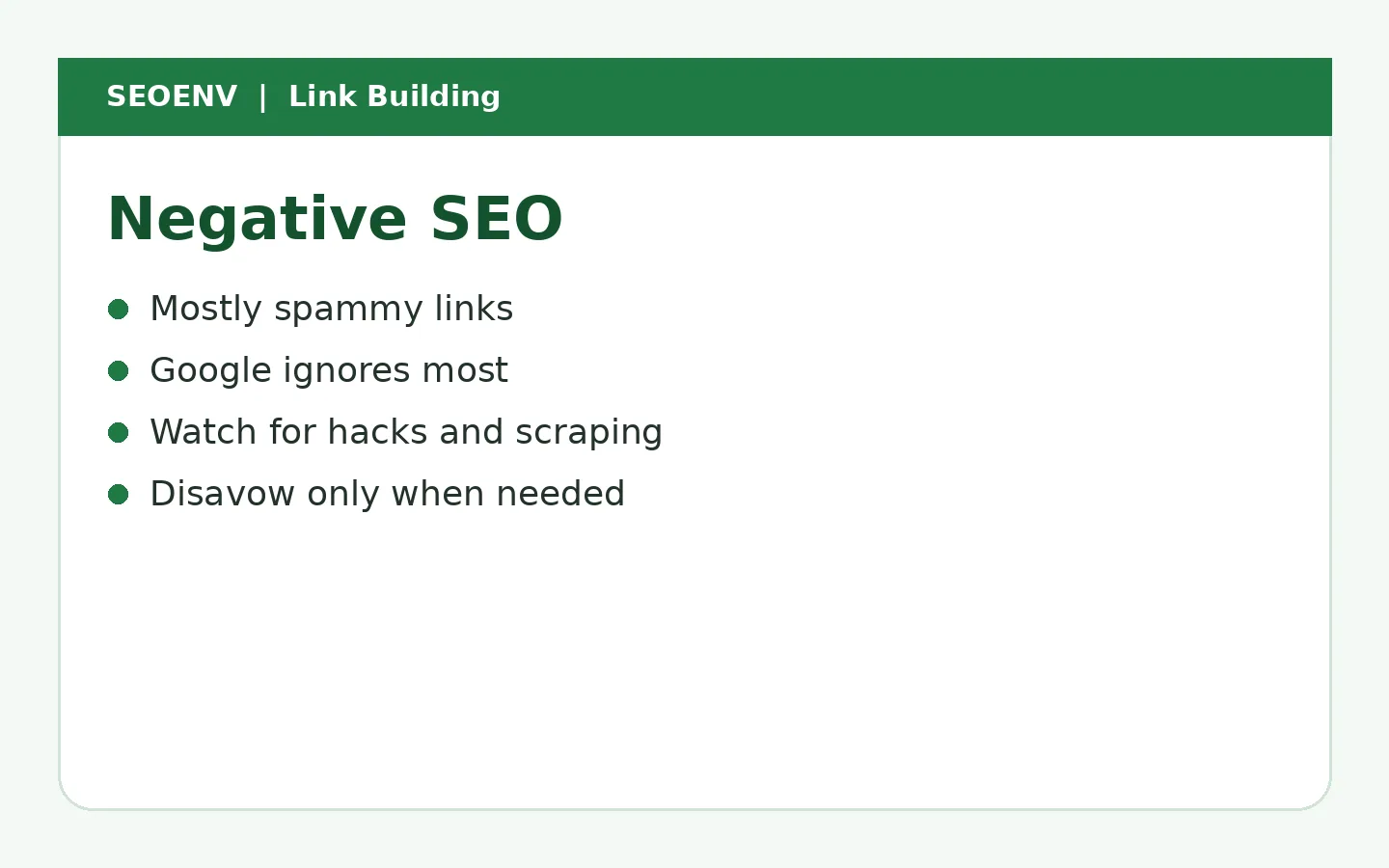
Negative SEO is an attempt to harm another site's rankings, most often by pointing large numbers of spammy links at it, but also by hacking, scraping content or posting fake reviews. Google says its systems are designed to ignore spammy links, so link-based attacks rarely cause harm, and many apparent attacks are just the normal spam every site receives. Monitor your site, fix security issues and use the disavow tool mainly if you receive a manual action.
Key takeaways
- Negative SEO means attempts to harm a competitor's rankings.
- Google says its systems ignore most spammy links.
- Many "attacks" are normal spam.
- Watch for hacked content, scraped pages and fake reviews too.
- Disavow mainly when there's a manual action.
Types of negative SEO
| Type | What happens | Response |
|---|---|---|
| Spammy links | Thousands of junk links | Usually ignore; disavow if manual action |
| Hacking | Injected spam pages or links | Fix security, request review |
| Scraping | Content copied elsewhere | Canonical, DMCA if needed |
| Fake reviews | Negative reviews posted | Report to platform |
| Removal requests | Fake requests to remove your links | Partners verify with you |
How worried should you be?
Google's disavow documentation says most sites don't need to use the tool, because Google can usually assess which links to trust. Google's spam policies also cover hacked content.
Signs of a real problem
- Manual action in Search Console.
- Security issues report in Search Console.
- Sudden traffic drop with spam pages indexed under your domain.
A spike of spammy links alone is not proof of harm.
Fake link removal requests
Some attacks ask your partners to remove links. Partners should verify with you, and you should notice when good links disappear.
That last kind of attack is easy to miss: a few of your best links quietly go missing.
Worked example (example data)
| Observation | Interpretation | Action |
|---|---|---|
| 3,000 new spammy links | Likely ignored | Monitor |
| No manual action | No sign of harm | None |
| 4 partner links lost | Check cause | Contact partners |
How to respond
- Check Search Console for manual actions and security issues.
- Review traffic and rankings.
- Fix any hacked content.
- Disavow only if there's a manual action or a clear pattern you're worried about. See how to disavow.
How to investigate suspected negative SEO step by step
Step 1: confirm there's a real drop
Check Search Console for clicks and impressions over the last three to six months. Compare with the same period last year to rule out seasonality. Check whether known Google updates coincided with the drop.
Step 2: rule out common causes first
Most traffic drops aren't attacks. Look for technical changes (noindex tags, robots.txt changes, redirects, migrations), content changes, lost links from good sites and competitors improving. Google's How Search works overview is a useful reminder of how many factors affect ranking.
Step 3: check Search Console for manual actions and security issues
A manual action notice or security warning is a clear signal. If neither appears, a link-based penalty is unlikely.
Step 4: review new backlinks
Export recent links from Search Console's Links report and a backlink tool. Look for sudden spikes from unrelated or foreign-language sites, adult or gambling sites, or thousands of links with exact-match anchors.
Step 5: check for content scraping and fake reviews
Search for unique sentences from your pages to see if they've been copied. Review your business profiles for sudden waves of fake negative reviews.
Step 6: decide on action
Usually, the answer is to monitor. Google's systems are designed to ignore most spammy links. Act only if there's a manual action or a clear, large-scale pattern.
Types of negative SEO and responses
| Type | What it looks like | Response |
|---|---|---|
| Spam link blast | Thousands of junk links appear suddenly | Usually ignore; disavow only if a manual action appears |
| Content scraping | Your content copied elsewhere | Usually ignore; file a copyright removal request for serious cases |
| Fake reviews | Sudden negative reviews | Report through the review platform |
| Hacking | Injected links or pages on your site | Clean up, secure the site, check Search Console security issues |
| Fake removal requests | Emails asking sites to remove your links | Tell partners how to verify genuine requests |
Example data: investigating a traffic drop
These findings are invented example data.
| Check | Finding |
|---|---|
| Clicks change | -22% over 6 weeks |
| Same period last year | -15% (seasonal) |
| Google update in period | Yes, core update |
| Manual actions | None |
| New spam links | 1,200 from 40 domains |
| Technical issues | 12 key pages accidentally noindexed |
| Conclusion | Noindex error and seasonality, not an attack |
The spam links looked alarming but weren't the cause. Fixing the noindex tags recovered most of the lost traffic.
Pitfalls
- Blaming an attack first. It's usually something else.
- Mass disavowing in panic. You may disavow good links too.
- Ignoring security. Hacked sites are a real form of negative SEO.
- No baseline. Without knowing your normal link profile, spikes are hard to judge.
- Losing track of your own links. If you don't know which links you built, you can't tell them apart from spam.
Negative SEO checklist
- Traffic drop confirmed and compared year on year.
- Technical changes ruled out.
- Manual actions and security issues checked.
- New links reviewed for unusual patterns.
- Content scraping checked.
- Reviews monitored.
- Record of your own built links up to date.
- Decision documented: monitor, clean up or disavow.
Preventing problems
Keep your CMS and plugins updated, use strong passwords and two-factor authentication, monitor Search Console messages and keep a list of the links you built. If a partner receives a removal request supposedly from you, they should be able to check with a known contact before acting.
When negative SEO is genuinely a concern
Real negative SEO is rare, but some situations deserve closer attention:
- Your site has been hacked. Injected spam pages or hidden links are a serious problem. Clean them up, fix the vulnerability and check Search Console's security issues report.
- You receive a manual action for unnatural links you didn't build. Document what you found, disavow the spam domains and explain the situation in a reconsideration request.
- Fake removal requests are reaching your partners. Tell key partners which email addresses you use, so they can verify requests.
- A wave of fake reviews hits your business profile. Report them through the platform's tools and respond calmly to any that stay up.
In each case, the response is practical rather than dramatic. Keep records, fix what you control and use the official channels.
Why a record of your own links matters here
When something looks wrong, the first question is, "Which of these links did we build?" A clean record of every link you earned, exchanged or paid for, with dates and partners, lets you separate your own work from spam quickly. Without it, teams waste days guessing, or worse, disavow good links. See toxic backlinks and how to disavow backlinks.
How SEOENV handles this
SEOENV isn't a crawler, so it won't find random spam links. It monitors the links you built and care about, so if an attacker or anyone else gets them removed, you see it.
Stay calm, check Search Console and protect your real links.
Related reading
- Toxic Backlinks: How to Find Them and What to Actually Do
- How to Disavow Backlinks: When to Do It and Step-by-Step
- Backlink Audit Guide
- PBN Backlinks: What They Are and Why They're a Bad Bet
- Tiered Link Building: How It Works and Why It's Risky
Sources
How we wrote this
The SEOENV Team wrote this guide from our day-to-day work tracking link exchanges, guest posts and paid placements, and checked the guidance against the sources listed above. Any numbers in worked examples are illustrative example data, not results from a real site or study. We review our guides when Google updates its documentation.
Frequently asked questions
What is negative SEO?
Attempts to harm another site's rankings, through spammy links, hacking, scraping or fake reviews.
Can negative SEO hurt my site?
Link-based attacks rarely do, as Google ignores most spammy links. Hacking can cause real harm.
How do I know if I'm under attack?
Check for manual actions and security issues in Search Console.
Should I disavow spammy links?
Mainly if you have a manual action or are seriously concerned about a clear pattern.
How do I protect against negative SEO?
Keep your site secure, monitor Search Console and track your important links.

Leave A Comment