What a client actually sees on a share link
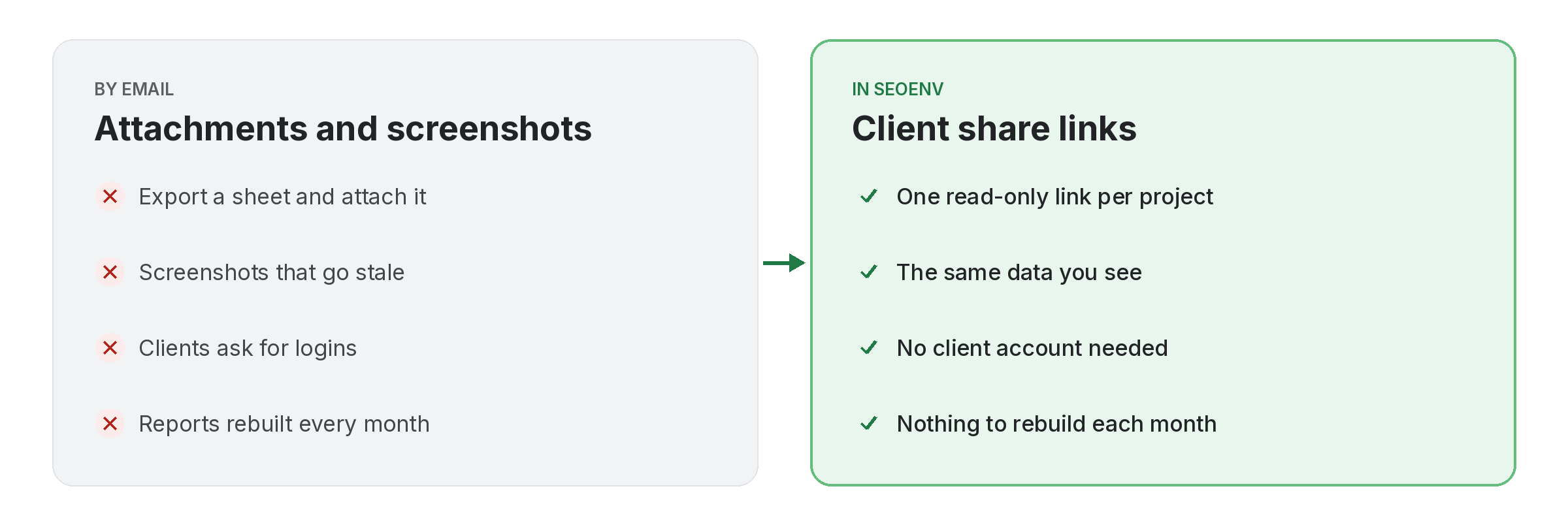
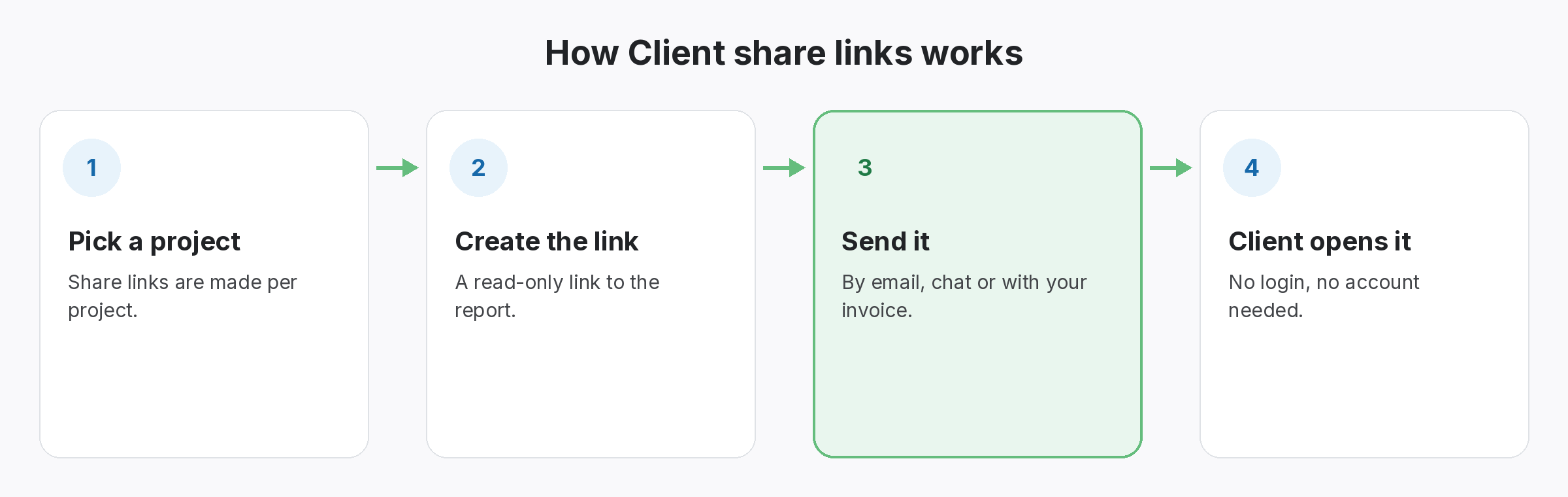
A share link is scoped to a project, not to a whole account. The client sees the links tied to that project and their statuses (Active, Pending, Lost, Broken), including whether checks found Dofollow or Nofollow where recorded. They cannot edit, import, invoice or change partners. Open the link yourself before you send it so you know exactly what they will see.
Report Branding controls logo and colours on that page; it does not create the share URL. Invoice Generator builds billing documents from paid collaborations; it does not replace a share link. Use all three together when a monthly pack needs a live status page, a branded look and a PDF invoice.
When to create one link vs many
- One project per campaign or site — create one share link per project so Client A’s regional site never mixes with their main site.
- Reuse the same URL each month — statuses update with your checks; you do not mint a new link unless you want a clean break.
- Two projects, two links — a client with two projects gets two links, which keeps reports honest.
- Send with the invoice — paste the share URL in the same email as the Invoice Generator PDF so proof and billing travel together.
Share-link hygiene for agencies
- Confirm the project filter before you create the link.
- Run Check all (or rely on daily automatic checks on Starter+) so Lost and Broken rows are current.
- Apply Report Branding if the plan includes it and you want white-label presentation.
- Store the URL in your client notes or Partners/Projects context so any teammate can resend it.
- If a client forwards the link widely, remember it is read-only but still client data — treat it like a report attachment.
Public share reports are included on every plan, including Free (20 links, 2 clients, 2 projects). See link building reports for what to put around the link in a monthly narrative.