
By SEOENV Team | Published October 23, 2026
To find toxic backlinks, export your links from Search Console's Links report and a backlink tool, then look for links that break Google's spam policies: paid followed links, link networks, excessive exchanges and links you built with exact-match anchors. "Toxicity scores" are tool estimates, not Google's view, and Google ignores most random spam. The links worth acting on are usually the ones you, or someone working for you, created.
Key takeaways
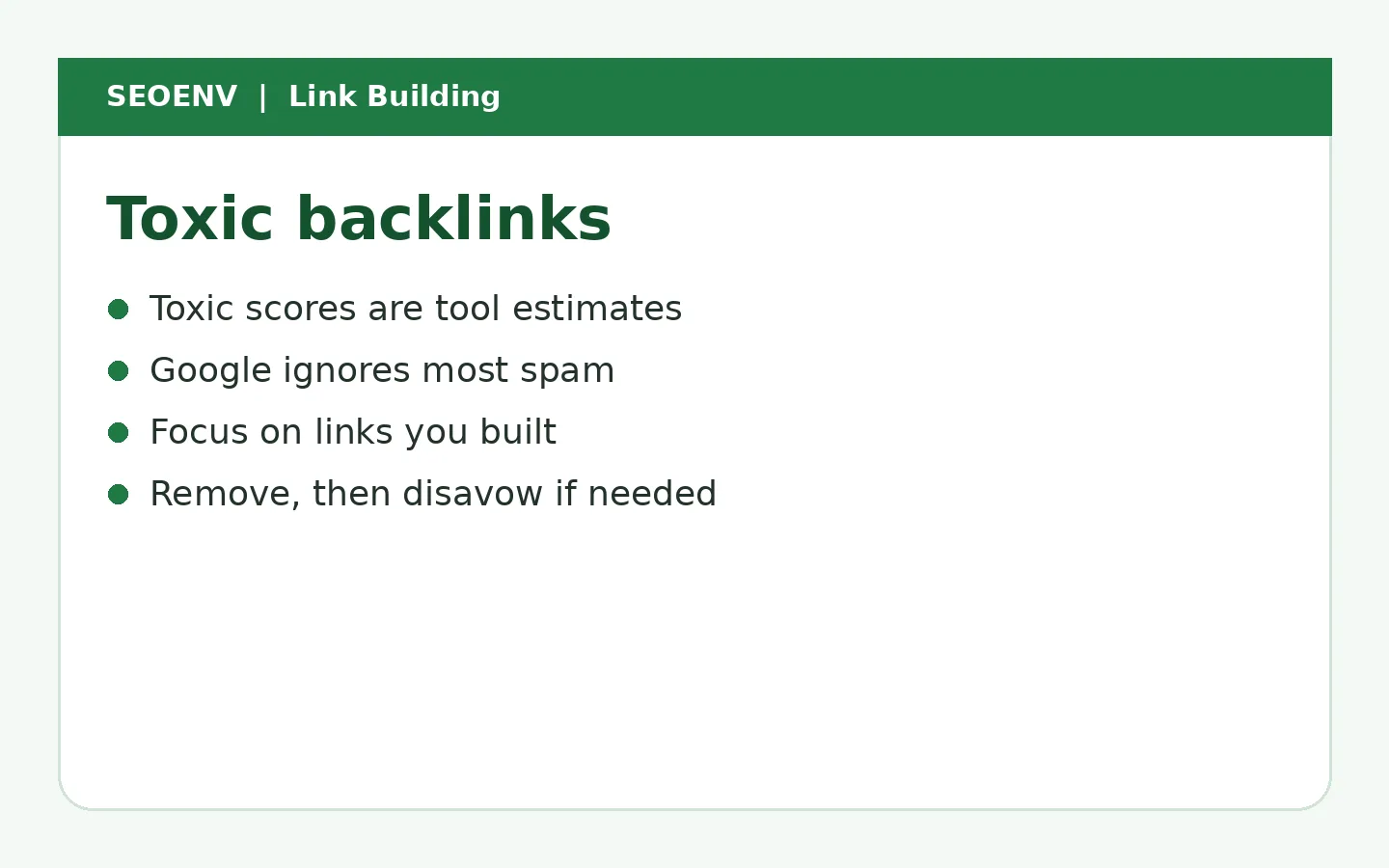
- "Toxic" is a tool label, not a Google term.
- Most spammy links are ignored by Google.
- Focus on links you built or paid for that break the rules.
- Remove or nofollow those first; disavow if there's a manual action.
- Use Search Console plus a backlink tool to find them.
What counts as a toxic backlink
| Link type | Likely concern? | Why |
|---|---|---|
| Random scraper or spam sites | Low | Google usually ignores |
| Paid followed links you bought | High | Breaks spam policies |
| PBN links | High | Link scheme |
| Excessive exchanges | Medium-high | Link scheme |
| Exact-match anchors at scale | Medium-high | Manipulation signal |
| Hacked-site links | Medium | Not your fault, but clear spam |
Google's spam policies define these schemes.
How to find toxic backlinks
- Export from Search Console's Links report.
- Export from a backlink tool for more coverage.
- Filter for links you or past providers built.
- Check anchors for heavy exact-match use.
- Spot-check sites for link selling, networks and irrelevance.
About toxic backlink checkers
Tools assign scores using their own rules. They're useful for sorting, but high scores don't mean Google is penalising you. Review by hand before acting.
What to do
| Situation | Action |
|---|---|
| Random spam, no manual action | Usually nothing |
| Links you paid for, followed | Ask for removal or sponsored marking |
| Manual action for unnatural links | Remove what you can, disavow the rest, request reconsideration |
Google's disavow guidance says to use the tool only if you have many spammy, artificial or low-quality links pointing to your site and they've caused or are likely to cause a manual action.
The hardest part is knowing which links you or your providers created. Backlink tools show everything; your own record shows what was built.
Know exactly which links you built
Record source, partner, cost and anchor for every link.
Worked example (example data)
| Group | Count | Action |
|---|---|---|
| Random spam | 1,800 | Ignore |
| Paid followed (past provider) | 22 | Request removal/sponsored |
| Exact-match guest posts | 9 | Ask to change anchors |
| Manual action | None | No disavow needed |
How to review toxic backlinks step by step
Step 1: gather the full list
Export links from Google Search Console's Links report, which shows a sample of sites linking to you, and from one backlink tool for broader coverage. Combine them into one sheet, deduplicated by domain.
Step 2: mark the links you built
Match the list against your own record of links you've earned, exchanged or paid for. These are the links you know about and can act on directly. Everything else is either natural or noise.
Step 3: group by domain, not by URL
Review domains rather than thousands of individual URLs. A single spam domain can produce hundreds of links.
Step 4: score each domain
Use the table below. Most domains will fall into "ignore".
| Signal | Ignore | Review | Act |
|---|---|---|---|
| Relevance | Related or harmless | Unrelated but real | Unrelated spam |
| Site quality | Real site | Thin | Auto-generated or hacked |
| Why it exists | Natural link | Unclear | Link scheme you took part in |
| Anchors | Brand or URL | Some keywords | Exact-match commercial |
| Volume | A few links | Dozens | Sitewide or thousands |
Step 5: decide the action
For links you built through paid placements, PBNs or excessive exchanges, ask for removal or a rel="sponsored" label first. For random spam you didn't build, usually do nothing. Consider disavowing only if there's a manual action or a large pattern of links you created that you can't remove.
Step 6: document
Record what you reviewed, what you decided and why. If you disavow, keep a copy of the file and the reasons.
Why "toxic score" tools can mislead
Many tools give links a toxicity score. These are third-party estimates, not Google's view. They often flag harmless links from small or foreign-language sites, and they can't know whether you built a link. Use scores to sort a long list, then judge each domain yourself. Google's disavow documentation reminds site owners that most don't need to use the tool.
Example data: a toxic backlink review
These numbers are invented example data.
| Group | Domains | Built by us? | Action |
|---|---|---|---|
| Natural, relevant | 140 | No | Keep |
| Random spam, scrapers | 310 | No | Ignore |
| Paid guest posts from 2023 | 12 | Yes | Ask to label sponsored or remove |
| Old PBN links | 8 | Yes | Removal requests, then disavow if needed |
| Excessive exchanges | 5 | Yes | Remove or qualify |
| Total needing action | 25 |
Out of 475 domains flagged by a tool, only 25 needed action, and all of them were links the site had built itself.
Pitfalls
- Disavowing everything a tool flags. You may throw away good links.
- Ignoring links you built. These are the real risk.
- Reviewing by URL. It wastes time.
- No record of decisions. You'll repeat the work later.
- Panicking over spam. Google's systems ignore most of it.
Toxic backlink checklist
- Links exported from Search Console and one tool.
- Your built links marked.
- Domains grouped and scored.
- Removal or labelling requested for risky links you built.
- Disavow considered only where appropriate.
- Decisions documented.
- Review repeated quarterly.
How often to review
For most sites, a quarterly review is enough. Review sooner if you see a manual action, a sudden link spike or a traffic drop you can't explain. If you actively build links, check new ones monthly so problems never pile up.
Preventing toxic links in the first place
The simplest prevention is to avoid building the links that cause trouble: no paid followed links, no PBNs, no large-scale exchanges and no keyword-stuffed guest posts. Qualify every link you pay for, keep a record of every link you build and review it regularly. A clean process upstream means far less clean-up later.
Writing removal requests that work
When you ask a site to remove or relabel a link you built, keep the email short and polite. Name the page, the link and what you're asking for: removal, or adding rel="sponsored". Explain briefly that you're cleaning up older placements. Many site owners will act within a week; others won't reply. Record each request with the date and outcome, because if you later need a reconsideration request after a manual action, Google expects to see evidence of genuine removal efforts. Allow two attempts before treating a link as unremovable and adding it to a disavow file, and note the date you made that decision.
How SEOENV handles this
SEOENV records the links you build, with cost, partner and anchor, so audits start from a clear list. The Anchor Text Heatmap on Growth highlights over-optimised anchors. SEOENV isn't a backlink index, so pair it with Search Console for discovery.
Don't panic over scores. Find the links that actually break the rules, fix those and track the rest.
Related reading
- How to Disavow Backlinks: When to Do It and Step-by-Step
- Negative SEO: What It Is, How Rare It Is and How to Respond
- Backlink Audit Guide
- PBN Backlinks: What They Are and Why They're a Bad Bet
- Buying Backlinks: How to Judge the Risk Before You Pay
Sources
- Google Search Console Help: Disavow links
- Google Search Central: Spam policies (link spam)
- Google Search Console Help: Links report
How we wrote this
The SEOENV Team wrote this guide from our day-to-day work tracking link exchanges, guest posts and paid placements, and checked the guidance against the sources listed above. Any numbers in worked examples are illustrative example data, not results from a real site or study. We review our guides when Google updates its documentation.
Frequently asked questions
What are toxic backlinks?
Links that break Google's spam policies, such as paid followed links, PBNs and excessive exchanges. "Toxic" is a tool label.
How do I find toxic backlinks?
Export links from Search Console and a backlink tool, then review links you built and heavy exact-match anchors.
Should I disavow toxic backlinks?
Mainly if you have a manual action or many artificial links you built.
Are toxic backlink checkers accurate?
They're tool estimates. Review flagged links by hand.
Can toxic backlinks hurt my site?
Links you built in violation of the rules can. Random spam is usually ignored.

Leave A Comment