
By SEOENV Team | Published October 23, 2026
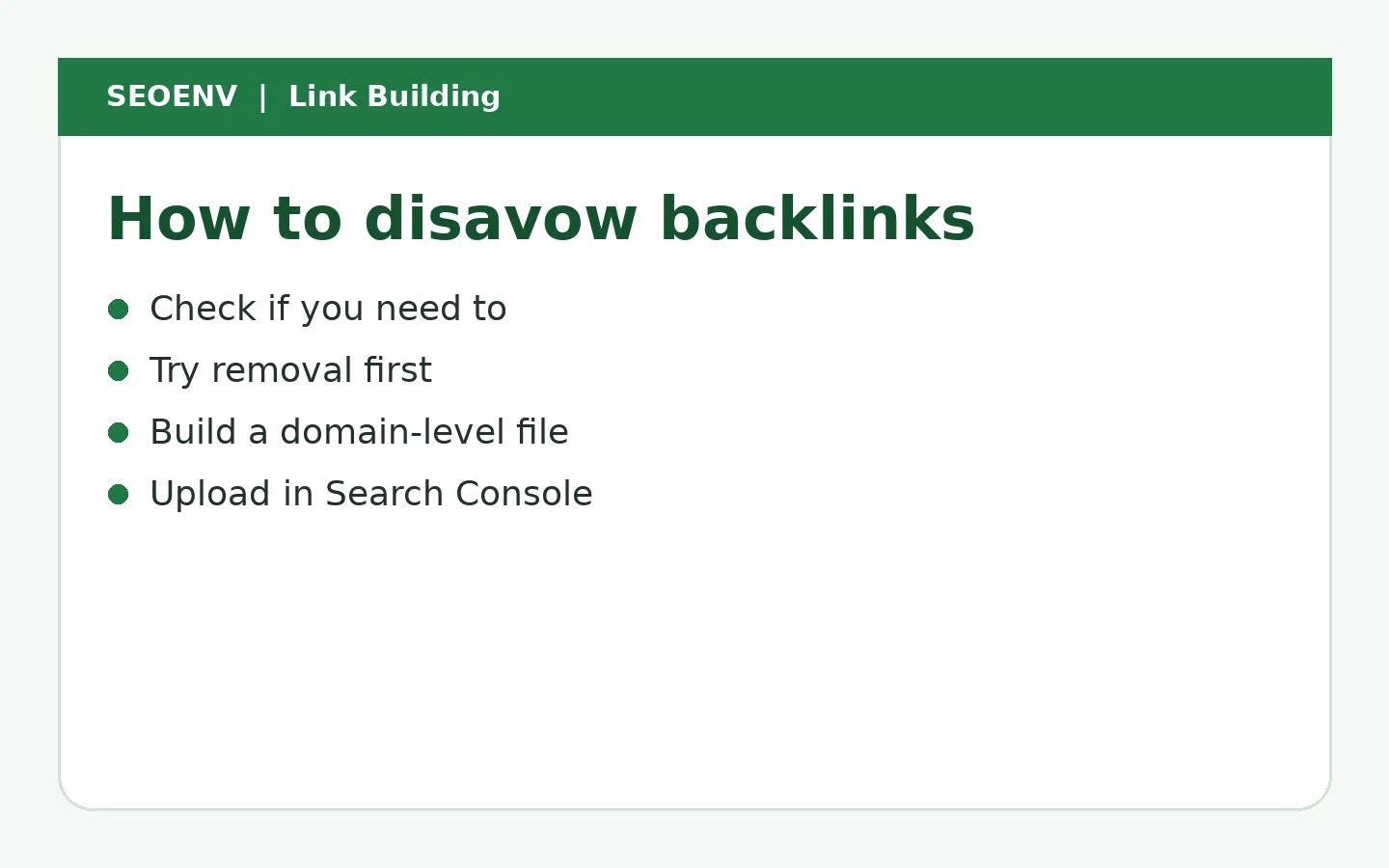
To disavow backlinks, create a plain text file listing the domains or URLs you want Google to ignore (one per line, using domain: for whole sites), then upload it through Google's disavow links tool for your Search Console property. But most sites shouldn't: Google says to disavow only if you have a considerable number of spammy, artificial or low-quality links that have caused, or are likely to cause, a manual action.
Key takeaways
- Most sites never need to disavow.
- Disavow mainly for manual actions or many artificial links you built.
- Try removal first.
- Use domain: lines for whole sites.
- Keep a record of what you disavowed and why.
Should you disavow?
| Situation | Disavow? |
|---|---|
| Random spam links | No |
| Manual action for unnatural links | Yes, after removal attempts |
| Many paid/PBN links you built | Consider it |
| Fear of negative SEO with no action | Usually no |
Source: Google's disavow documentation.
Step 1: export your links
Use Search Console's Links report and a backlink tool.
Step 2: identify links to disavow
Paid followed links, PBNs, excessive exchanges and other schemes covered by Google's spam policies. See toxic backlinks.
Step 3: try removal first
Ask site owners to remove or nofollow links. Keep records, especially for a reconsideration request.
Step 4: build the file
` # Paid links from 2024 campaign domain:example-pbn-site.com domain:another-spam-site.net https://example.com/specific-page.html `
- Plain text, UTF-8, .txt.
- One entry per line.
- domain: for whole sites.
- Comments start with #.
Step 5: upload
Open Google's disavow links tool, choose your property and upload. A new upload replaces the previous file, so always include everything.
Step 6: request reconsideration (if manual action)
Explain what you removed, what you disavowed and how you'll prevent it.
The biggest risk with disavowing is disavowing good links by accident. You need to know which links you built intentionally and want to keep.
Worked example (example data)
| Group | Count | Action |
|---|---|---|
| Random spam | 900 | Ignore |
| Past PBN links | 14 domains | Removal requests, then disavow |
| Paid followed | 6 | Asked for sponsored; 4 changed, 2 disavowed |
| Manual action | Yes | Reconsideration request |
Common mistakes
- Disavowing good links.
- Uploading partial files that replace the full list.
- Disavowing without a reason.
When disavowing makes sense, in more detail
Google's disavow documentation is clear that the tool is for a specific situation: you have a considerable number of spammy, artificial or low-quality links pointing to your site, and those links have caused a manual action or are likely to. For most sites, that means:
- You've received a manual action for unnatural links. Check Search Console's Manual actions report.
- You or a previous agency built many links that break Google's spam policies, such as paid followed links, PBN links or large-scale exchanges, and you can't get them removed.
It's not for random spam links that appear on their own. Google's systems are designed to ignore most of those.
Finding the links to include
Use your own records first
The most useful source is your own record of links you've built, bought or exchanged. Those are the links you know about and are responsible for. Mark which are risky: paid without a sponsored label, from network sites, or part of exchange schemes.
Then check exported links
Export from Search Console's Links report and a backlink tool. Group by domain. Look for patterns that match the risky links you know about, such as other sites from the same network.
Separate good from bad carefully
Never disavow links from relevant, real sites that linked to you naturally. When in doubt, leave a link out.
Domain or URL?
| Use | When |
|---|---|
| domain:example.com | The whole site is spam or a network site |
| Full URL | One page on an otherwise good site carries a problem link |
Domain-level entries are usually safer for spam sites, because they catch links on pages you haven't found yet.
Example data: building a disavow file after a manual action
These figures are invented example data.
| Step | Count |
|---|---|
| Domains reviewed | 520 |
| Links built by previous agency | 64 domains |
| Removed after requests | 23 |
| Labelled sponsored after requests | 9 |
| Unresponsive, added to disavow file | 32 domains |
| Natural links kept | 456 domains |
| Reconsideration request outcome | Manual action revoked after a few weeks |
The file contained 32 domain lines. The rest of the profile was left alone.
Writing the reconsideration request
Keep it factual. Explain what caused the problem (for example, links bought by a previous agency), what you did (removal requests sent, links removed, links labelled, remaining domains disavowed) and how you'll prevent it (no paid followed links, every link recorded and reviewed). Link to a shared document with your removal request log if helpful.
Maintaining your disavow file
- Keep the master file in version control or a shared drive.
- Add a comment above each group of entries explaining why.
- Remember that each upload replaces the previous file, so always upload the full list.
- Review it once a year. If a domain has been cleaned up, you may remove it.
Disavow checklist
- Manual action checked, or clear evidence of a large set of artificial links you built.
- Own link records reviewed.
- Removal and labelling requests sent and logged.
- File is UTF-8 plain text, one entry per line.
- domain: used for spam sites.
- Good, natural links excluded.
- Full file uploaded, including old entries.
- Reconsideration request sent if there's a manual action.
- Copy of the file and reasons stored.
What disavowing won't do
Disavowing doesn't remove links from the web, doesn't take effect instantly and won't boost rankings on its own. It tells Google you don't want certain links considered. Recovery after a manual action depends on cleaning up the cause, and lasting growth still depends on earning good links.
How long disavow takes to work
There's no instant switch. Google processes the file as it recrawls the pages containing the disavowed links, which can take weeks or months for pages that are rarely crawled. If you've filed a reconsideration request after a manual action, the review usually comes back sooner, but ranking recovery still depends on Google re-evaluating your site with the remaining links. Don't keep re-uploading the file to speed things up; it doesn't help.
Alternatives to disavowing
Before reaching for the tool, consider simpler options:
- Do nothing. For random spam you didn't build, this is usually the right answer.
- Ask for removal. Many site owners will remove a link if asked politely.
- Ask for a sponsored label. For paid placements on real sites, adding rel="sponsored" can be enough.
- Fix redirects. If spam links point to an old URL you don't need, you can stop redirecting it so the links point to a 404.
Disavowing is a last step after these, not a routine maintenance task. For a broader approach to reviewing risky links, see toxic backlinks and negative SEO.
How SEOENV handles this
SEOENV gives you a clear list of links you built, with partner, cost and status, so you can exclude them from disavow files and see which past placements need attention.
Disavow rarely and carefully, and keep records of what you did.
Related reading
- Toxic Backlinks: How to Find Them and What to Actually Do
- Negative SEO: What It Is, How Rare It Is and How to Respond
- Backlink Audit Guide
- PBN Backlinks: What They Are and Why They're a Bad Bet
- Buying Backlinks: How to Judge the Risk Before You Pay
Sources
- Google Search Console Help: Disavow links to your site
- Google Search Central: Spam policies (link spam)
How we wrote this
The SEOENV Team wrote this guide from our day-to-day work tracking link exchanges, guest posts and paid placements, and checked the guidance against the sources listed above. Any numbers in worked examples are illustrative example data, not results from a real site or study. We review our guides when Google updates its documentation.
Frequently asked questions
Do I need to disavow backlinks?
Most sites don't. Disavow mainly for manual actions or many artificial links you built.
How do I create a disavow file?
A UTF-8 .txt file with one domain: or URL per line.
How long does disavow take?
Google processes it as it recrawls links, which can take weeks or months.
Can disavowing hurt my site?
Yes, if you disavow good links.
Does a new disavow file replace the old one?
Yes. Include every entry each time.

Leave A Comment