
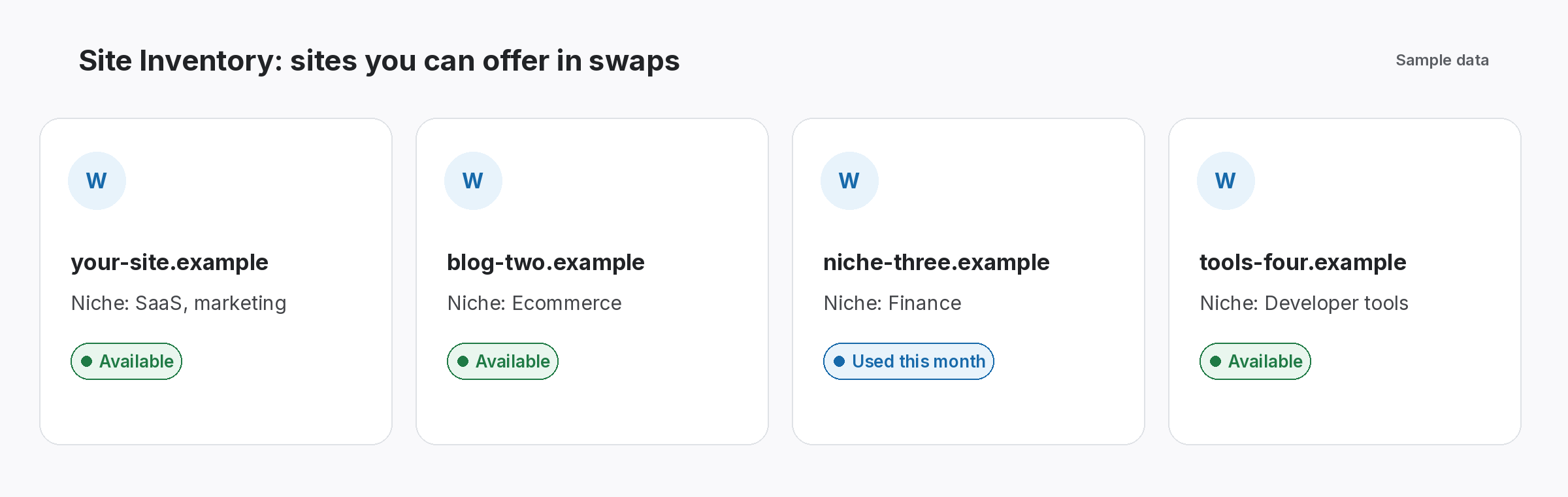
A root domain is the main registered name of a website, such as example.com, without any subdomain like blog. or shop. in front. In link building, tools often group links by it, so links from blog.example.com and example.com count as one site. As a result, knowing the difference keeps your counts and records consistent.
Root domain: definition and why it matters for links
Why the root domain causes confusion
One site can look like several, especially in big lists.
Often, large sites run several subdomains: a blog, a help centre and a shop. Then links from each one appear under different hostnames. So one partner can look like three in a list, and counts drift depending on which tool you use.
Picture a team that tracks a partner under blog.partner.example and later finds a second link from partner.example. Because they record the root domain as well as the full URL, they see straight away that it is the same partner. As a result, they avoid pitching that partner twice.
Subdomains
blog., shop. and help. under one name.
www or not
www.example.com and example.com are the same site.
Country endings
Endings like .co.uk change where the name starts.
Root domain vs subdomain vs URL
Four terms, from widest to narrowest.
- Top-level domain: the ending, such as .com or .org.
- Registered name: the main name plus its ending, such as example.com.
- Subdomain: a prefix such as blog.example.com.
- URL: the full address of one page, such as example.com/guide/.
- Hostname: the full name of the server part, such as www.example.com.
How the root domain fits the domain system
Names read right to left.
Domain names read from right to left: the ending first, then the name, then any subdomain. MDN’s guide to the structure of a domain name explains each part. In addition, the IANA root zone lists every ending that exists. Strictly, the “root” is the top of that system, but SEO tools use the term for the registered name.
- Ending: .com, .org, .co.uk.
- Name: the registered part.
- Prefix: any subdomain.
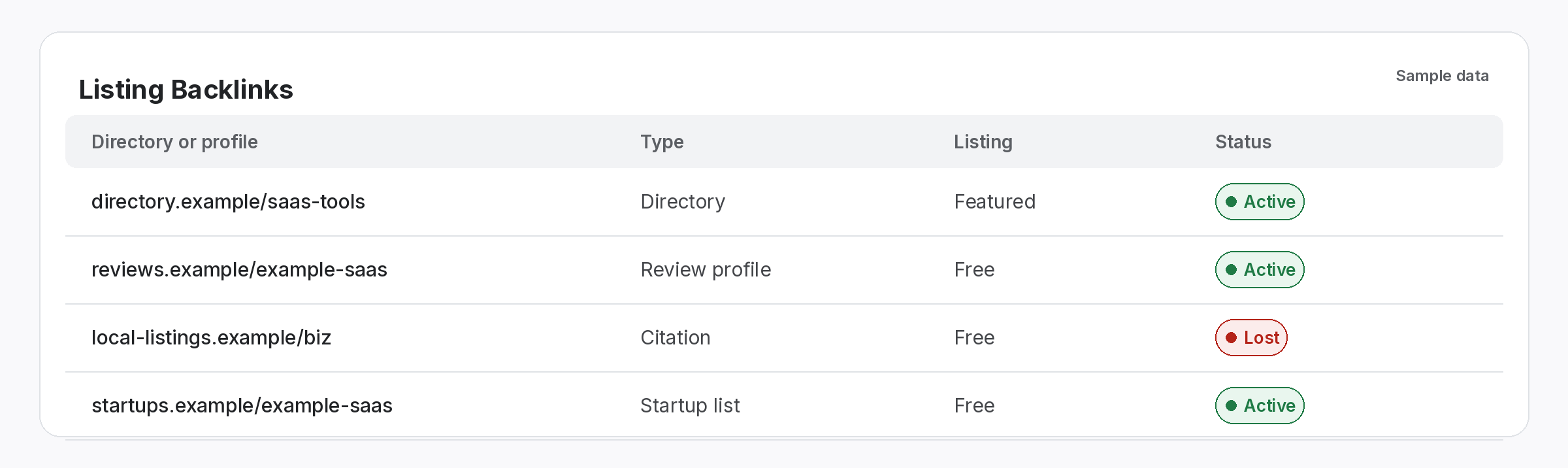
Record the root domain for every link
Consistent names make counts reliable.
When you log a link, keep the full page URL, but also note the registered name of the linking site. Then grouping is easy: you can count sites, spot repeat partners and avoid duplicate outreach. In addition, our guide to link tracking naming conventions covers the rest.
- Full URL: the exact linking page.
- Site name: the registered name.
- Partner: linked to that site.
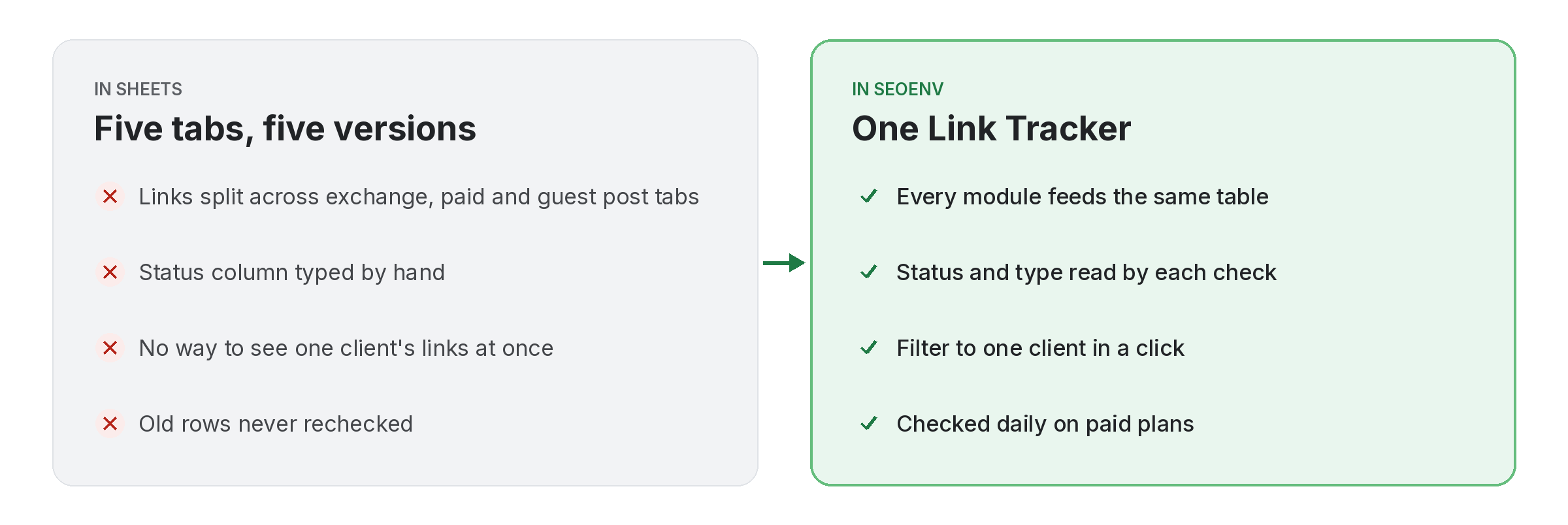
One site, one name, one record.
Consistency makes every count easier.
Keep linking sites consistent
Free tools and live SEOENV features.
In fact, small naming differences cause a surprising number of reporting questions. We wrote this definition so teams record sites the same way.
When the root domain matters most
It matters most when you count linking sites, plan outreach or review partners. For example, a referring domain count usually groups by registered name. Besides, our guide on how to check referring domains explains how, and stopping duplicate outreach shows why clean names help.
Also, when a site moves to a new domain, every link needs checking. Also, our guide to site migrations and your backlinks covers the steps, and rebrand backlinks covers name changes.
Questions about the root domain
What is a root domain?
The main registered name of a site, such as example.com, without subdomains.
Is www part of it?
No. www is technically a subdomain, though most sites treat both as the same.
Do subdomains count as separate sites?
Some tools treat them separately, while others group them, so check how yours counts.
Why record it in link tracking?
Because grouping by site makes counts, partner reviews and outreach cleaner.
What about endings like .co.uk?
There, the registered name includes both parts, such as example.co.uk.
Keep every linking site in one record.
Track links by page and site, and check each one.
