
Above all, link building client onboarding sets the tone for the whole engagement. If you collect the existing links, agree target pages and set reporting expectations in the first two weeks, the monthly work runs smoothly. If you skip it, the first report turns into an argument about which links count.
Link building client onboarding without the messy first month
Where link building client onboarding usually goes wrong
Most problems in month three start in week one.
Usually, a new client arrives with a spreadsheet from a previous agency, a list of pages they care about and an idea of how many links they expect. However, nobody checks the old links, nobody agrees which pages to target and nobody writes down the anchor rules. So the first report raises more questions than it answers.
For example, picture an agency that signs a new client on a Monday. By Friday, it has imported the old link list, checked every link, agreed five target pages and shared a report link. As a result, the first monthly call is about progress, not about whose spreadsheet is right.
Inherited links
Old link lists arrive unchecked, so half are out of date.
Unclear targets
Nobody agrees which pages the links should support.
Mismatched expectations
The client expects counts; you plan for quality.
A link building client onboarding checklist
Six steps for the first two weeks.
- Collect existing links: ask for every link list the client has, from any previous agency or in-house work.
- Check them: record which are still live, which changed and which are gone.
- Agree target pages: pick a short list of pages the links will support first.
- Write anchor rules: agree how branded, URL and partial-match anchors will be used.
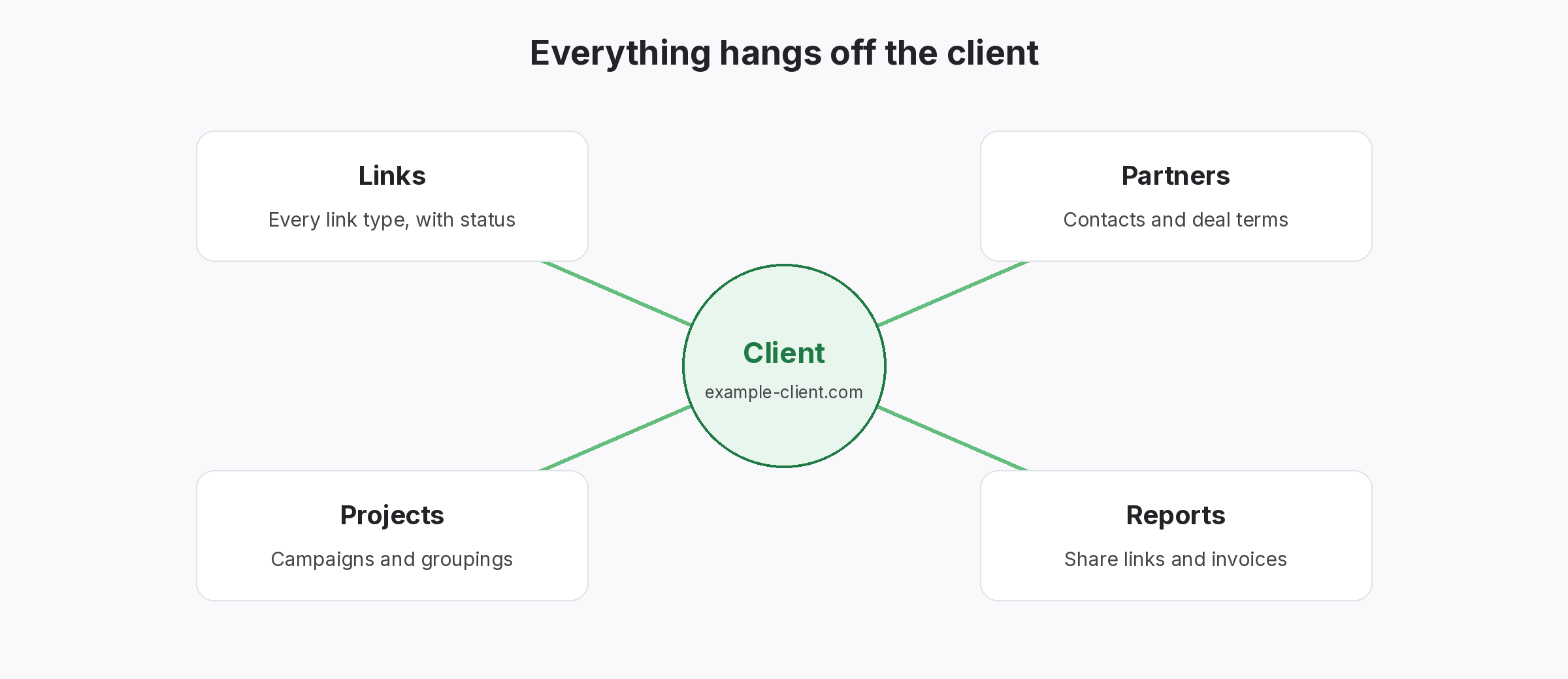
- Set up the client record: create a client and project so every new link lands in the right place.
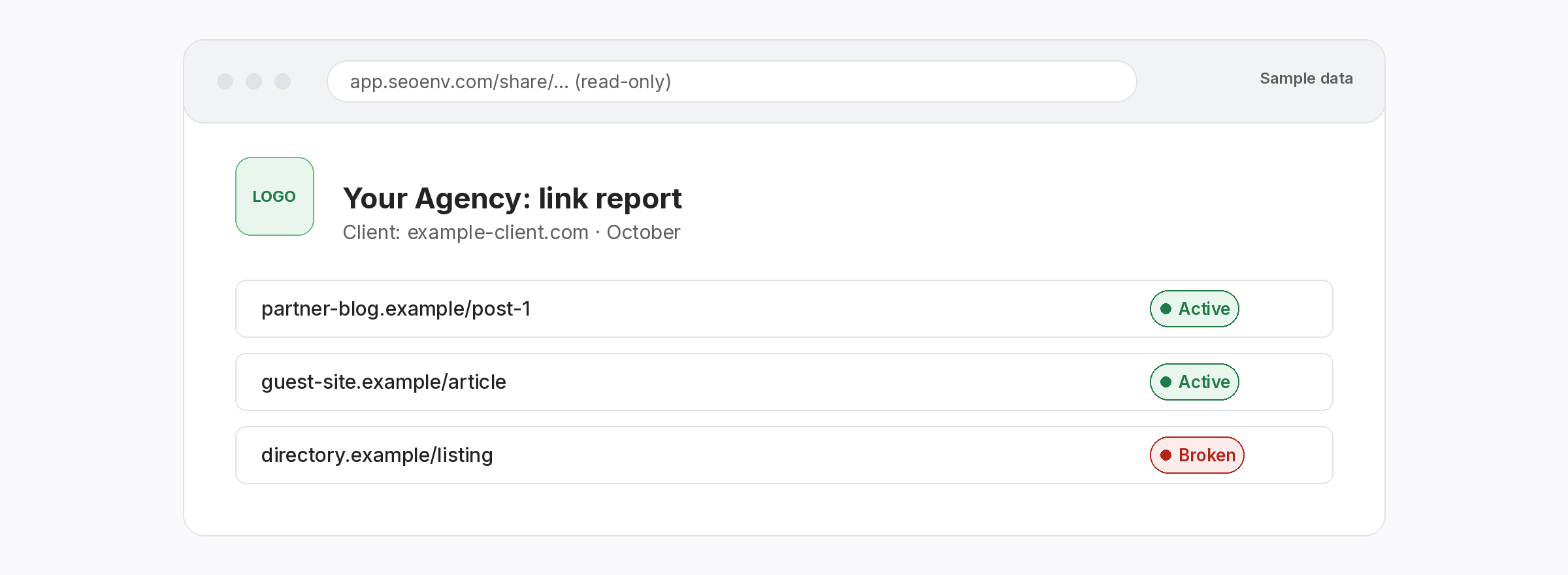
- Agree reporting: decide what the client sees, how often and where.
Start link building client onboarding with what already exists
Know the baseline before you add to it.
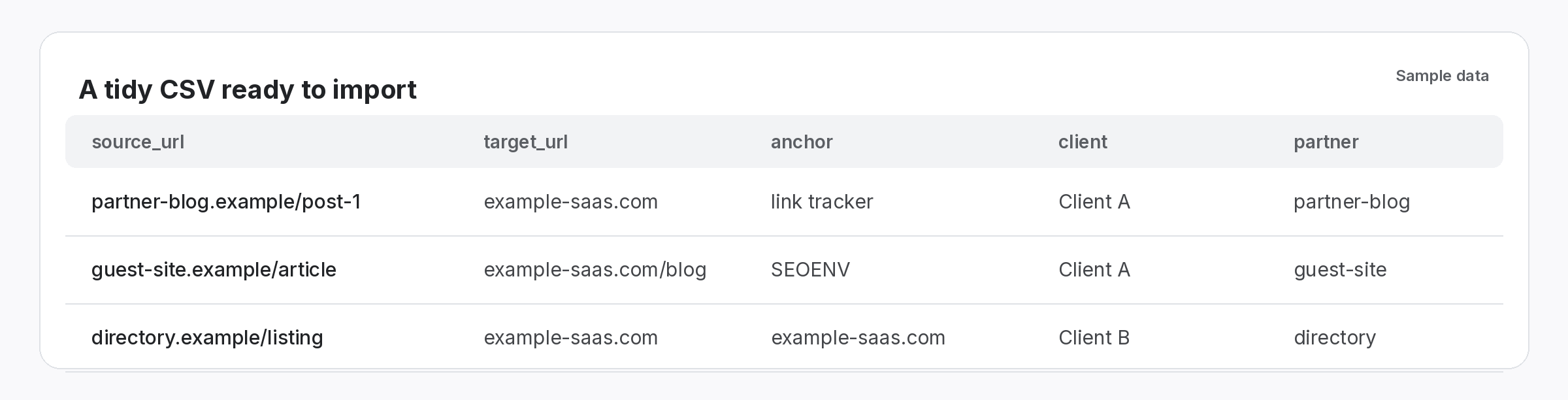
To begin with, import the client’s existing link list. Then check every link, so you know the real starting point. In addition, note links your team did not build, because the client will ask about them later. If the list came from a previous agency, our guide to taking over from a previous agency covers the awkward parts.
- Import: bring the old list in as a CSV first.
- Check: record status and rel values today.
- Label: mark which links came before you.
Agree the rules during link building client onboarding
Write it down once, so nobody argues later.
Next, agree the target pages and anchor rules with the client in writing. Also agree what counts as a delivered link: live, on the agreed page and checked. Finally, share one report link instead of sending files, so the client always sees the current state. In addition, our guide on setting link building expectations covers what to say.
- Targets: a short list of agreed pages, in writing.
- Anchors: a simple mix by type.
- Reporting: one shared link, updated whenever you run a check.
Two careful weeks save months of confusion.
Onboarding is where trust starts.
SEOENV features that support onboarding
All of these are live in the app today.
We have seen good link work look bad because the first month was messy. A short, written onboarding routine fixes most of that, so we wrote ours down.
After link building client onboarding
Once onboarding is done, the monthly routine takes over: build, check, report. Similarly, our monthly link building checklist covers the repeat work, and our guide to your first link building client helps if you are new to client work.
Eventually, every engagement ends. So keep the same records from day one that you would want at handover; our guide to link building client offboarding explains why clean records make the last week as easy as the first. Also, Google’s spam policies are also worth sharing with clients early.
Questions about link building client onboarding
How long should onboarding take?
Usually about two weeks: one to collect and check existing links, one to agree targets, anchors and reporting.
What should I ask a new client for?
Every existing link list, especially from previous agencies, the pages they care about most and any past problems with links.
Should I check links from a previous agency?
Yes, otherwise you inherit their problems in your first report.
What counts as a delivered link?
Agree it in writing: live, on the agreed page and confirmed by a check.
How should the client see progress?
Ideally, through one shared report link rather than files sent by email.
Onboard your next client in one place.
Import their links, check them, then share one report link.
