
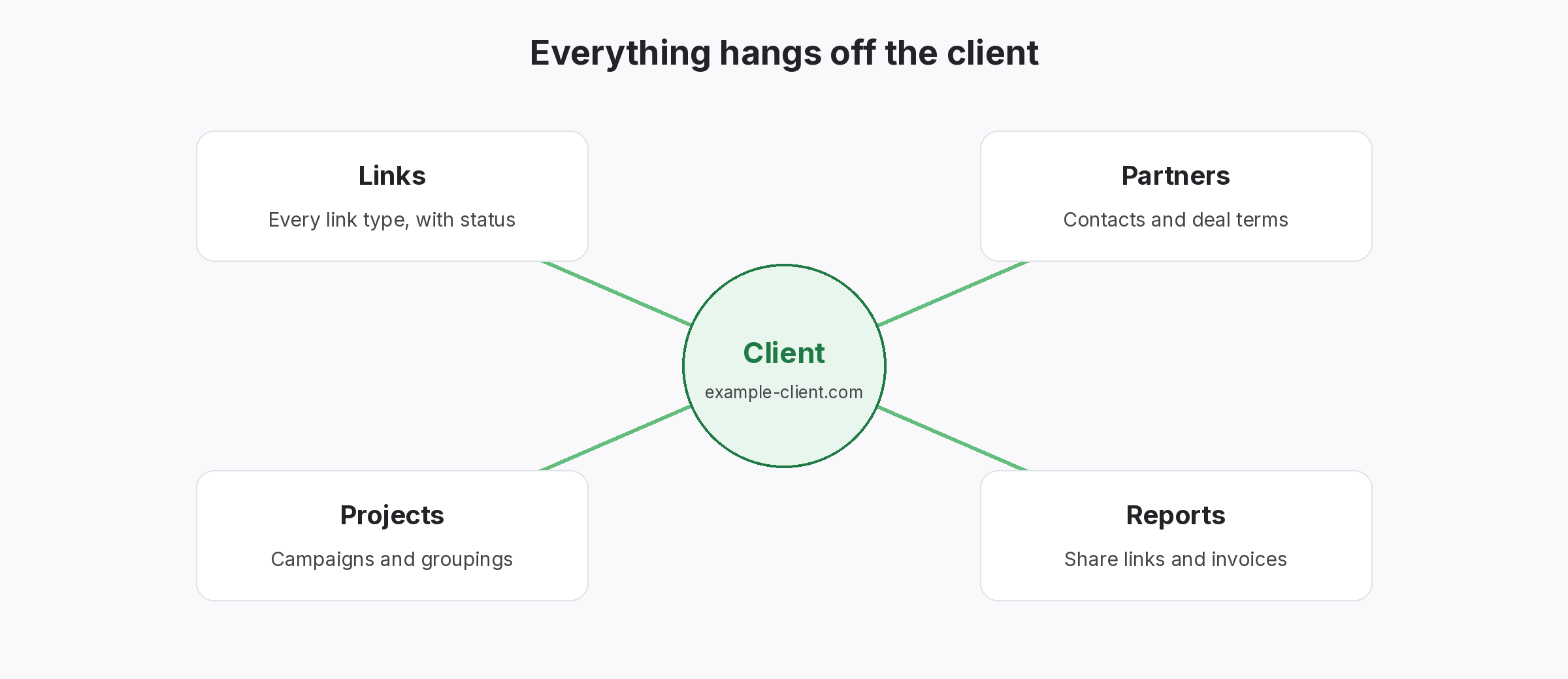
Link ownership records show which client, project, partner and team member each link belongs to. Without them, though, nobody can say for sure who built a link, what was agreed or where it should be reported. Once you have them, handovers, reports and disputes start from facts.
Link ownership records: know who each link belongs to
What goes wrong without link ownership records
Links outlive the people who built them.
Usually, people record links in whatever sheet is open at the time. Then people change roles, clients leave and partners merge. So, a year later, nobody knows which client a link was for or who agreed the terms.
For example, picture a former client who asks an agency for every link it built. Because each link carries a client, project and builder, the agency exports the list in minutes. Meanwhile, a competitor without such records spends a week searching inboxes.
Unknown client
Links with no clear client or project.
Unknown builder
Nobody knows who arranged the link, so questions go unanswered.
Unknown terms
Nobody can say what you agreed, so disputes drag on.
What link ownership records should hold
Six fields per link.
- Client: who the link was built for.
- Project: which site or campaign it belongs to.
- Partner: who placed it, with their contact.
- Builder: who on your team arranged it, in the notes.
- Terms: what was agreed, such as a followed link on a given page.
- Status: whether the link is still live, from the last check.
Keep link ownership records as you go
Record it once, when the link goes live.
Usually, the easiest moment to record ownership is when the link goes live. So add the client, project and partner at that point, along with the URL and anchor. Then nobody has to reconstruct it later. In addition, our guide to a single source of truth for links explains why one record beats many sheets.
- When: the day the link goes live.
- Where: one shared record.
- What: client, project, partner and terms.
When link ownership records pay off
Handovers, reports and disputes.
First, handovers: when a team member leaves, their links stay attached to clients and partners. Second, reports: each client sees only their own links. Third, disputes: when a partner says a link was never agreed, the record shows the terms. Besides, our guide to client offboarding covers the end of an engagement.
- Handovers: nothing leaves with the person.
- Reports: each client sees their links.
- Disputes: terms on record.
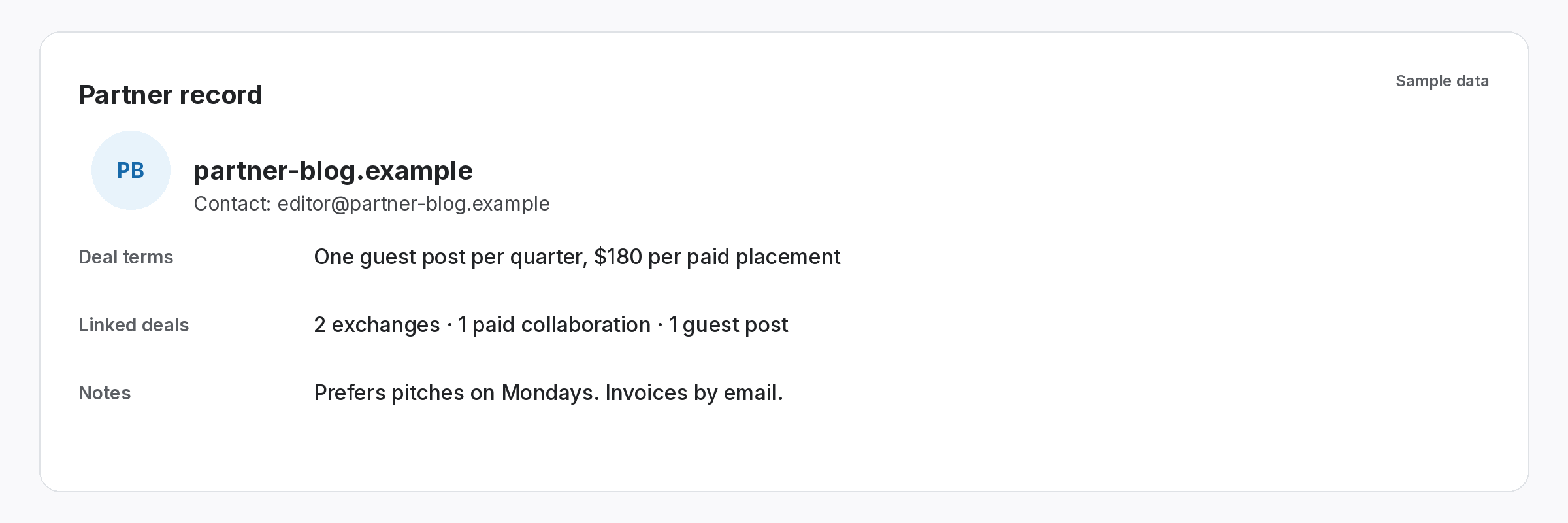
Every link should have an owner on record.
Client, project, partner and terms.
SEOENV features for ownership
All of these are live in the app today.
In fact, we have watched teams lose days rebuilding records that one extra column would have kept. So this page explains the columns that matter.
Starting link ownership records from old sheets
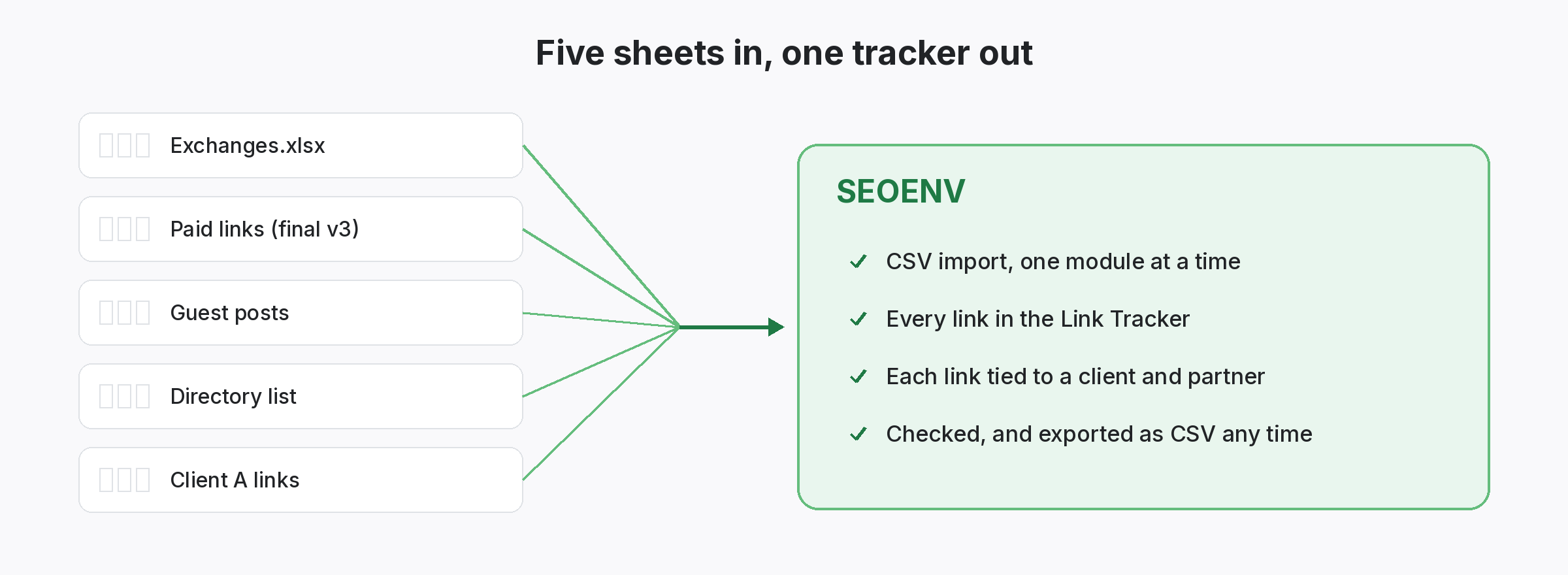
Often, your links sit in many spreadsheets. If so, start by merging them. Then add the client and project to each row, and mark rows you cannot place. Also, our link data cleanup guide covers the work, and spreadsheet version control explains why one copy matters.
Also, agree a naming convention, so the same client is never recorded two ways. In addition, our guide to naming conventions helps. Keep agreed terms honest and simple too, in line with Google’s spam policies.
Questions about link ownership records
What are link ownership records?
In short, records that show which client, project, partner and team member each link belongs to.
Why do they matter?
Mainly because they make handovers, client reports and partner disputes much easier.
When should I record ownership?
Ideally, when the link goes live, along with the URL and anchor.
Can I add ownership to old links?
Yes. Merge your sheets, add client and project, then flag rows you cannot place.
Does SEOENV link records to clients?
Yes, each link can belong to a client, project and partner.
Give every link an owner.
Attach links to clients, projects and partners in one place.
