
Link building plan template for every new client
This link building plan template puts the whole plan for one client on a single page: the goal, the target pages, the anchor mix, the link types, monthly targets, and how links get checked and reported. Download it, fill it in on the kickoff call, and work from it all quarter.
Why a link building plan template saves the quarter
Without a written plan, targets drift and nobody notices until the report.
Also, most link building plans live in someone’s head or in a kickoff email. Instead, that works for the first month. Then a new contact joins on the client side, a builder goes on leave, or a target page changes, and the plan quietly turns into “get some links”.
As a result, picture an agency halfway through a quarter. Then the client asks why the pricing page has no new links. At the same time, the builder thought the blog was the priority. Both are right, because nobody wrote it down. A short, shared plan fixes that before it starts.
Targets drift
In addition, Links go wherever placements are easiest, not where the client needs them.
Anchors pile up
In fact, Without a planned mix, the same keyword anchor repeats across months.
Nobody owns checks
Links go live, then change, and no one is named to follow up.
Fill in the link building plan template on the kickoff call
Also, Thirty minutes with the client is enough for a first version.
In addition, Go through the rows of the link building plan template in order. Start with the goal and the target pages, because every other row depends on them. Keep each answer short. If a row takes more than a sentence or two, that usually means the decision isn’t made yet, so note it as an open question.
- Goal first: one sentence the client agrees with.
- Target pages next: three to five URLs, each with a reason.
- Then the rest: anchors, link types, partners, targets, checks and reporting.
The rows in this link building plan template
Every row answers a question someone will ask later.
- Target pages: stops links landing on whichever page is easiest to place.
- Anchor plan: keeps the mix natural. Google’s guidance on writing good anchor text favours descriptive, relevant anchors.
- Link types: sets expectations. Then Guest posts, listings and exchanges take different amounts of time.
- Monthly targets: gives a number to check against each month, counted as links live, not links pitched.
- Checks: names who acts when a link turns Lost, Broken or Nofollow.
- Risks: records anything that could undo the work, like a site migration.
Turn the link building plan template into tracked work
A plan only helps if you can see progress against it.
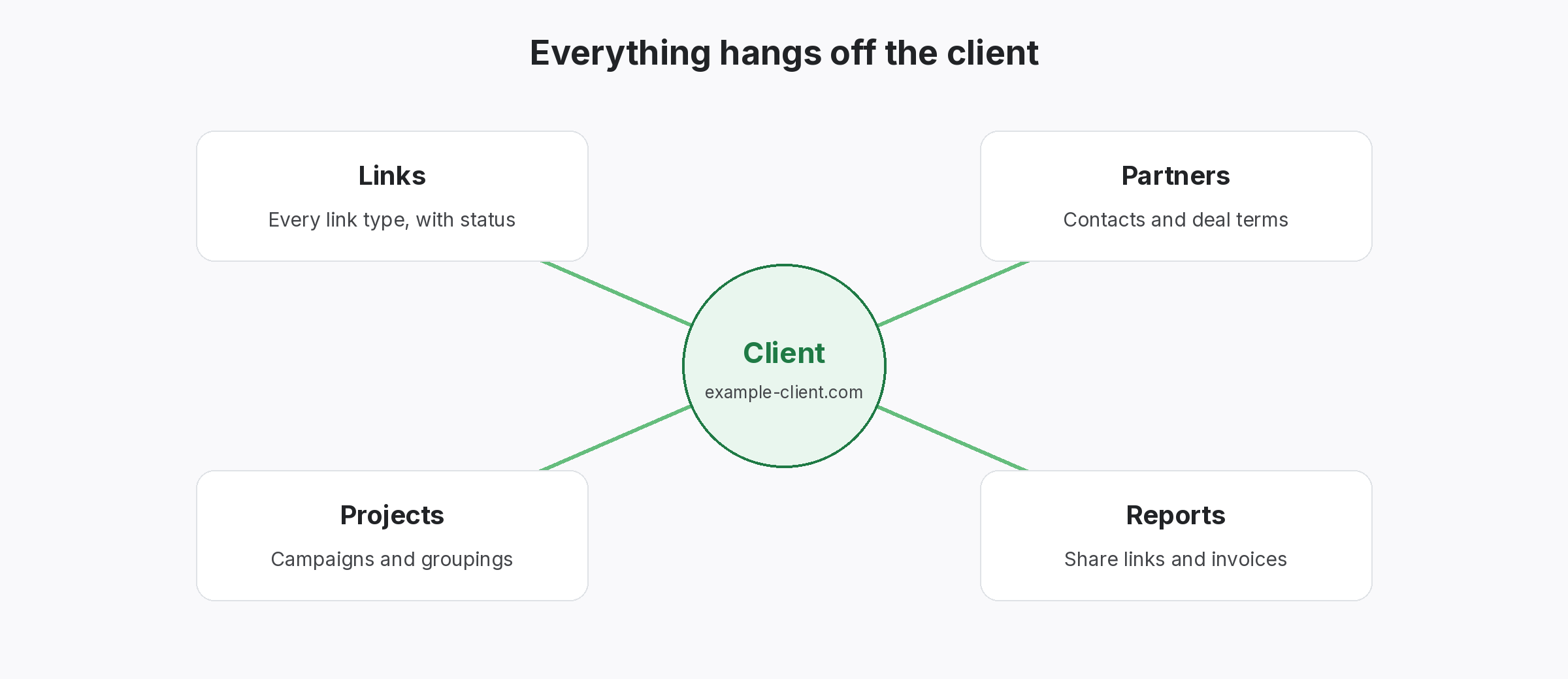
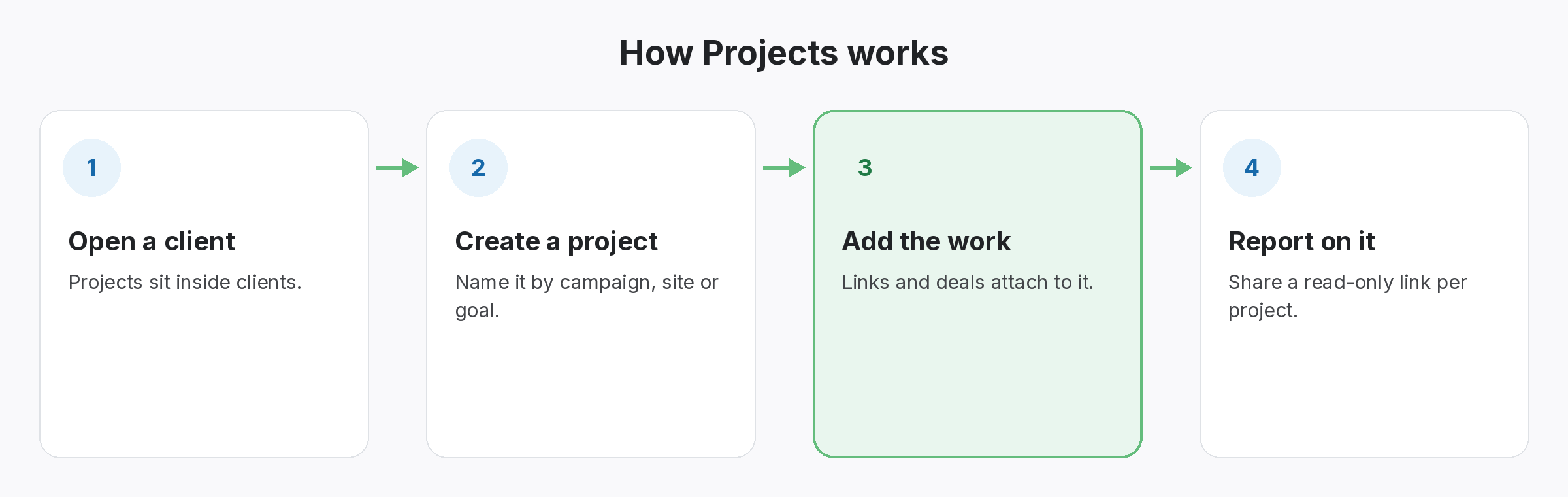
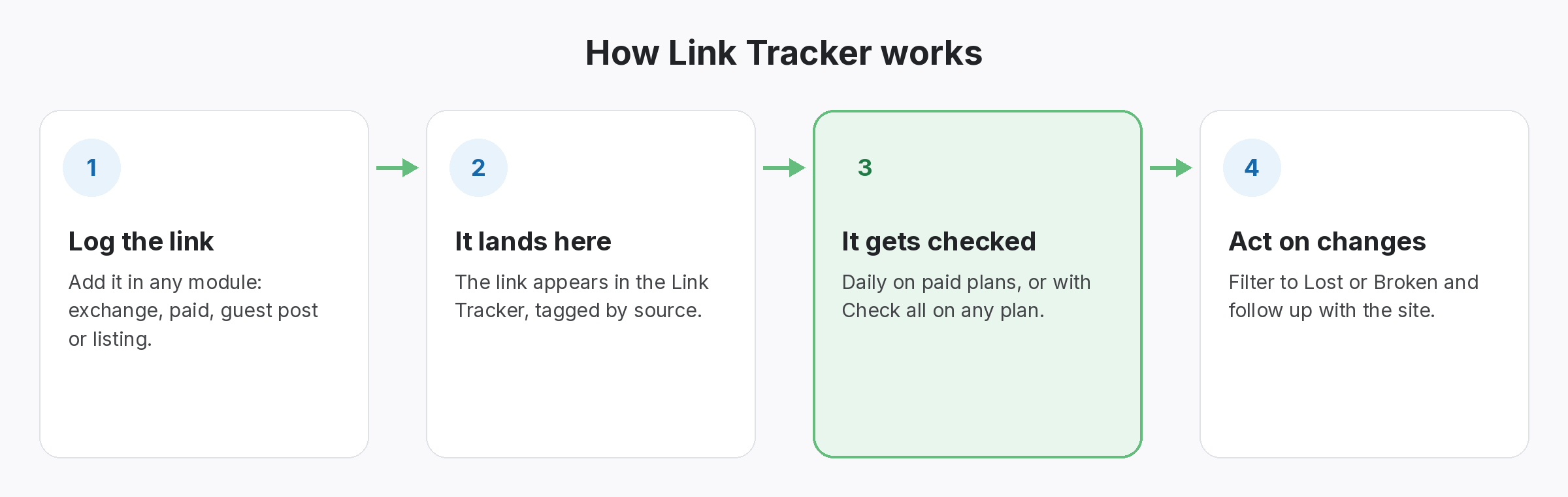
In fact, once the plan is agreed, set it up where the links will live. Of course, In SEOENV, each client gets its own space, and projects group the links for each target or campaign. Every link you log is then checked, so the monthly target row can be compared with links that are actually live.
- Clients and projects: mirror the plan’s structure.
- Link Tracker: holds each link with its target, anchor and partner.
- Statuses: Active, Lost, Broken or Pending, plus Dofollow or Nofollow.
A plan on one page beats a strategy deck nobody opens.
Also, write it once, share it, and check the links against it every month.
SEOENV features that pair with a link building plan template
Still, all of these are live in the app today.
Link Tracker
However, every link with its target, anchor, partner and status.
Link Status Report
Finally, Live, lost and nofollow links per client. From Starter.
Because of that, we kept seeing the same kickoff notes rewritten for every client. This template is the version we’d want to inherit: short enough to fill in on a call, and specific enough to check links against later.
How this link building plan template fits a wider strategy
In fact, a plan is not a strategy. Meanwhile, the strategy decides which approaches suit the client; the plan turns that into pages, numbers and owners for one quarter. If you are still choosing approaches, start with our link building strategies guide.
Then keep the plan honest. Of course, Count progress as links live, and review the anchor mix each month. Our link building KPIs guide covers what to measure, and link building metrics explains the delivery numbers worth reporting. Keep the work useful to readers, too; Google’s guidance on helpful, people-first content applies to every guest post in the plan.
Questions about the link building plan template
Rather, what should a link building plan include?
In fact, the goal, target pages, an anchor plan, link types, a partner shortlist, monthly targets, who checks links, how you report, and known risks.
Rather, how long should the plan be?
One page. If it needs more, the decisions probably aren’t made yet.
On the other hand, Is the link building plan template free?
Yes. After that, Download the CSV and open it in Google Sheets, Excel or Numbers.
So how often should I update the plan?
On the other hand, Review it monthly against links live, and rewrite it each quarter.
In other words, Can I track the plan in SEOENV?
Yes. At the same time, Set up the client, create projects for target pages or campaigns, and log links as they go live. SEOENV checks each one.
Plan the links, then track every one.
Even so, Log links against each client and project. Rather, SEOENV checks them and shows what’s live.
