
Link management for SEO agencies running many clients
SEO agencies juggle link building alongside technical work, content and reporting, often for dozens of clients at once. SEOENV keeps every link, partner and client report in one place, checks each link you log, and gives clients a read-only view, so link work stops sprawling across sheets and inboxes.
How link work sprawls in SEO agencies
Links are one service among many, so they get the least structure.
In most SEO agencies, link building isn’t the only job. For example, the same team handles audits, content and reporting. So link records end up wherever was convenient: a sheet per client, a notes column, an outreach tool, someone’s inbox. Each piece usually works on its own. Together, however, they make it hard to answer simple questions.
Then picture an account lead preparing a monthly report. Also, the links are in two sheets, one partner’s terms are in an email thread, and the builder who placed half of them is on holiday. Nobody is doing anything wrong. On the other hand, there’s just no single place where the link work lives.
Scattered records
In fact, a sheet per client, plus notes in inboxes and outreach tools.
Slow reports
Because of that, every month, someone rebuilds the link section by hand.
Hidden losses
Links change or vanish, and nobody checks until a client asks.
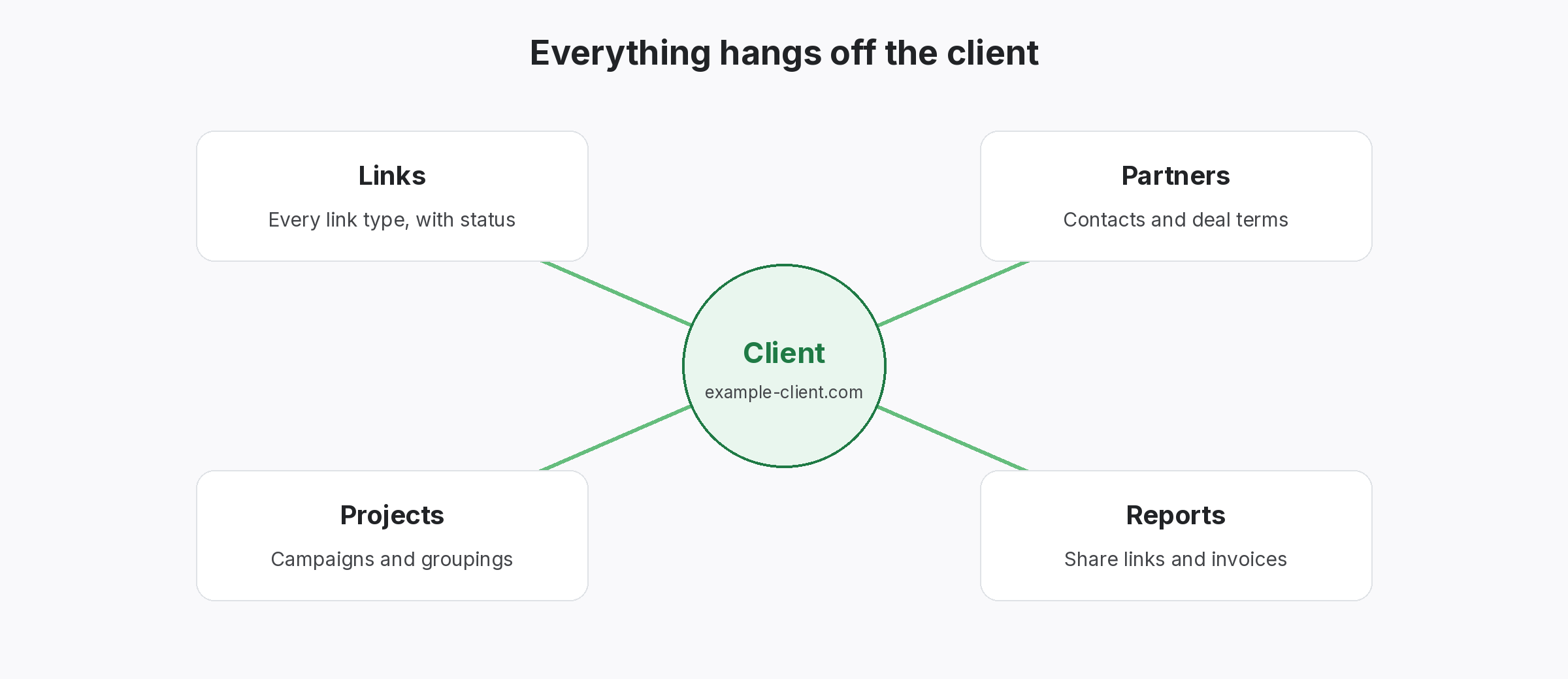
One link record per client for SEO agencies
Rather, Clients, projects and links, in the structure you already use.
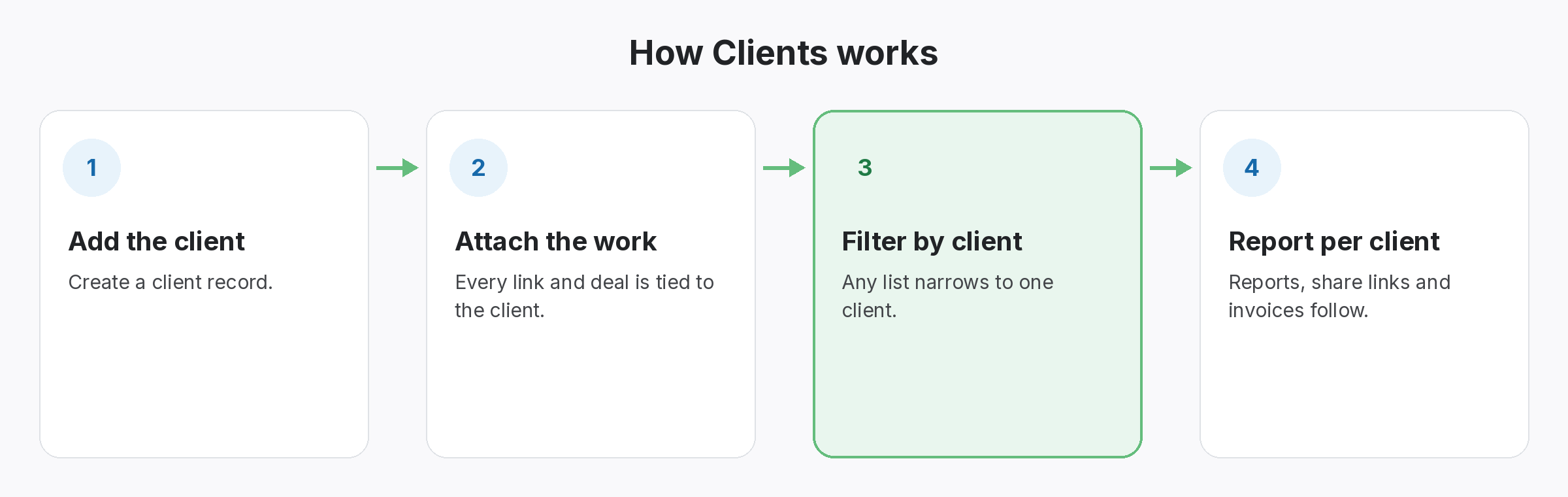
So each client gets its own space in SEOENV. Of course, Projects group links by campaign or target page. Then every link records its source, target, anchor, partner and agreed type. So when anyone on the team asks what was built for a client, the answer is one filter away.
- Clients: one space per client.
- Projects: campaigns or target pages inside each client.
- Link records: source, target, anchor, partner, type and status.
Every link checked, so SEO agencies hear about changes first
Better you than the client.
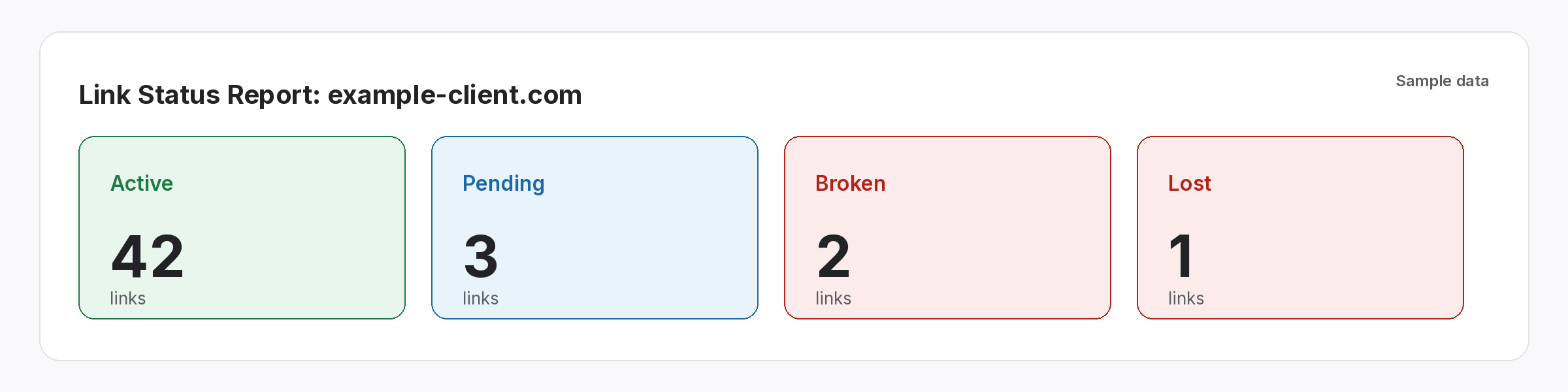
At the same time, every logged link is checked on its source page. On paid plans (Starter+), that happens daily. The Free plan has Check all, which rechecks everything in one click. After each check, a link shows Active, Lost, Broken or Pending, plus Dofollow or Nofollow, so the team can follow up before the next report.
- Daily checks: on Starter, Growth and Enterprise.
- Check all: on every plan.
- Statuses: Active, Lost, Broken, Pending; Dofollow or Nofollow.
Client reporting built for SEO agencies
Less rebuilding, more explaining.
- Link Status Report: live, lost and nofollow links per client, from Starter.
- Client share links: a read-only view a client can open without logging in.
- Report Branding: your logo and colours on reports, on Growth.
- CSV export: pull any list into your own report template.
The link section of the report should take minutes, not an afternoon.
When links are logged and checked, the report mostly writes itself.
SEOENV features SEO agencies use most
Instead, all of these are live in the app today.
Agency link management
Finally, how agencies run link work for many clients in SEOENV.
Client share links
Finally, read-only reports clients can open themselves.
Instead, we built SEOENV after watching SEO agencies lose good link work in sheets and inboxes. So the goal was simple: one record per link, checked for you, that anyone on the team can pick up.
What SEO agencies should look for in link building software
Whatever you choose, first check three things. Does it check each link on the page, rather than relying on an index? Does it keep the terms you agreed with each partner? Can clients see their links without you exporting a file? Our guide to link building agency workflows covers the process around the tool. If you are still comparing options, our guide to link building tools sorts them by the job each one does. And because agencies answer for every link they place, keep Google’s link spam policies in mind when choosing partners.
Also plan for handovers. When a builder leaves, their link knowledge shouldn’t leave with them; see staff turnover in link building. For reporting, our client link report guide covers what clients read first.
Questions from SEO agencies
Is SEOENV built for agencies?
Yes. Meanwhile, it’s built around clients, projects, partners and links, which is how most agencies organise link work.
How many clients can I manage?
The Free plan includes 2 clients and 2 projects. Paid plans start at $29 a month; see the pricing page for limits.
Can clients see their links?
Yes. Then Client share links give a read-only view without a login.
Can I import existing links?
Yes. Still, Import a CSV and map your columns to SEOENV’s fields.
Does SEOENV do outreach?
No. It tracks and checks the links you build. Outreach stays in your own tools.
Put every client’s links in one place.
Start with the Free plan. Import your sheets and see what’s still live.
