
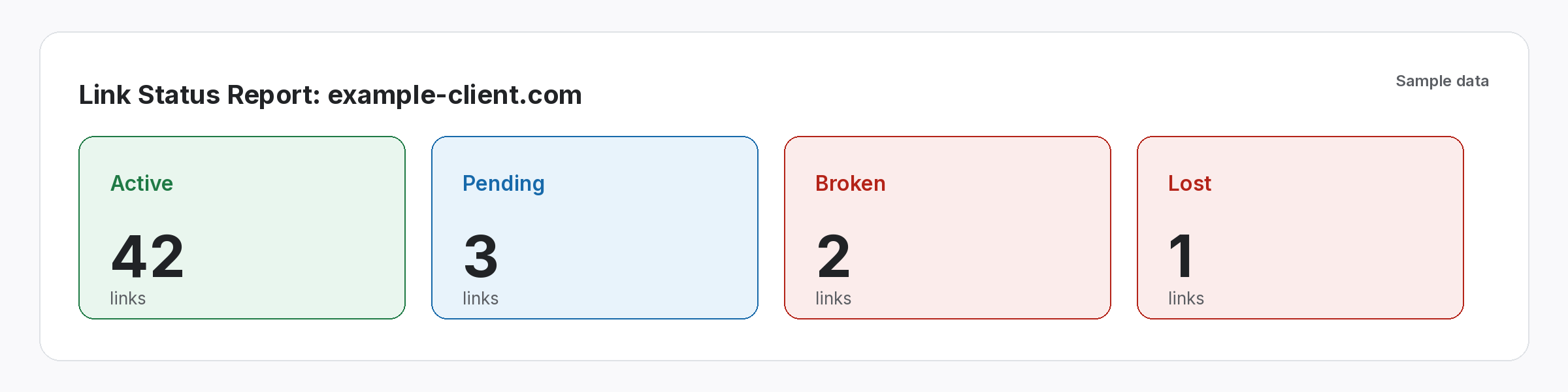
A monthly link report email should tell the client what changed in a few lines and point them to the full report. In fact, most clients read the first three lines and nothing else. These templates lead with a short summary, explain any problems plainly and link to one report the client can open any time.
Monthly link report email templates for clients
Monthly link report email templates
Pick the version that fits the month, then edit the brackets. Each one leads with the summary, links to the full report and asks for nothing the client has to work out.
1. A steady month
Subject: [Client] link report for [month]

Hi [name],

Here is your link report for [month]: [report link]

In short:
- [number] new links went live this month
- [number] links are active in total
- [number] links changed since last month, and we are following up on each one

Next month we are focusing on [target pages]. Reply if you want to talk any of this through.

[Your name]
2. A month with lost links
Subject: [Client] link report for [month], with two follow-ups

Hi [name],

Your [month] report is here: [report link]

Most links are healthy. However, [number] links were removed or changed this month. We have contacted the sites, and the report shows the status of each follow-up.

We will update you on these in next month's email, or sooner if anything changes.

[Your name]
3. A slow month
Subject: [Client] link report for [month]

Hi [name],

Your [month] report: [report link]

Fewer links went live this month than planned, mainly because [reason, e.g. editors on holiday / longer review times]. We have [number] articles accepted and waiting to publish, and the report lists each one.

We expect most of them to go live in [month].

[Your name]
4. The first report
Subject: Your first link report for [client]

Hi [name],

Here is your first monthly report: [report link]

The link always shows the latest status, so you can open it any time, not just when this email arrives. It lists every link we track for you, with its status from the last check.

If any column is unclear, reply and I will walk you through it.

[Your name]
Copy, then edit the brackets. Keep your own voice; editors can spot a template.
Why the monthly link report email matters
The email is what most clients actually read.
Often, agencies spend hours on a report and then send it with a one-line email. However, many clients never open the attachment. So the email itself becomes the report, and if it says nothing useful, the client assumes nothing happened.
For example, picture an agency that switches to a three-line summary at the top of every monthly link report email. Then clients start replying with questions about specific links, because they can finally see what changed. As a result, monthly calls get shorter and more focused.
Buried summaries
The key numbers hide on page four of a PDF.
Surprise losses
Lost links appear without any explanation.
Stale files
Attachments are out of date as soon as the next check runs.
What every monthly link report email needs
Five parts, in this order, so the summary comes first.
- A clear subject: the client name and the month.
- A link to the report: one link the client can open any time.
- A three-line summary: new links, total active and anything that changed.
- Problems, explained: what happened and what you are doing about it.
- Next month: the pages or work you will focus on.
Lost links in a monthly link report email
Say it first, with a plan.
When links disappear, mention them in the email rather than hoping the client misses them. Explain the cause if you know it, then say what you have done. Usually, clients accept losses they hear about from you; they lose trust when they find them on their own. In addition, our guide on explaining lost links to clients covers the wording.
- Say what changed: removed, broken or nofollow.
- Say what you did: contacted the site, or replaced the link.
- Say when: the date you will update them.
Send a monthly link report email with one live link
Stop attaching files that go stale as soon as you send them.
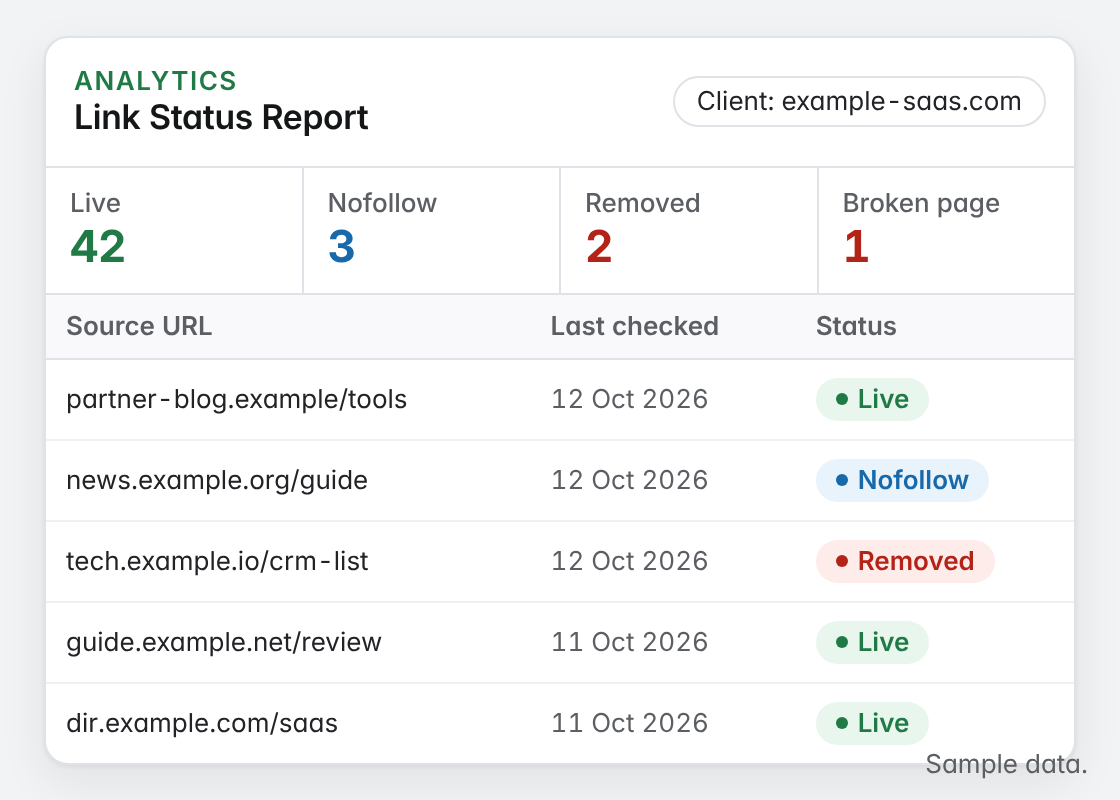
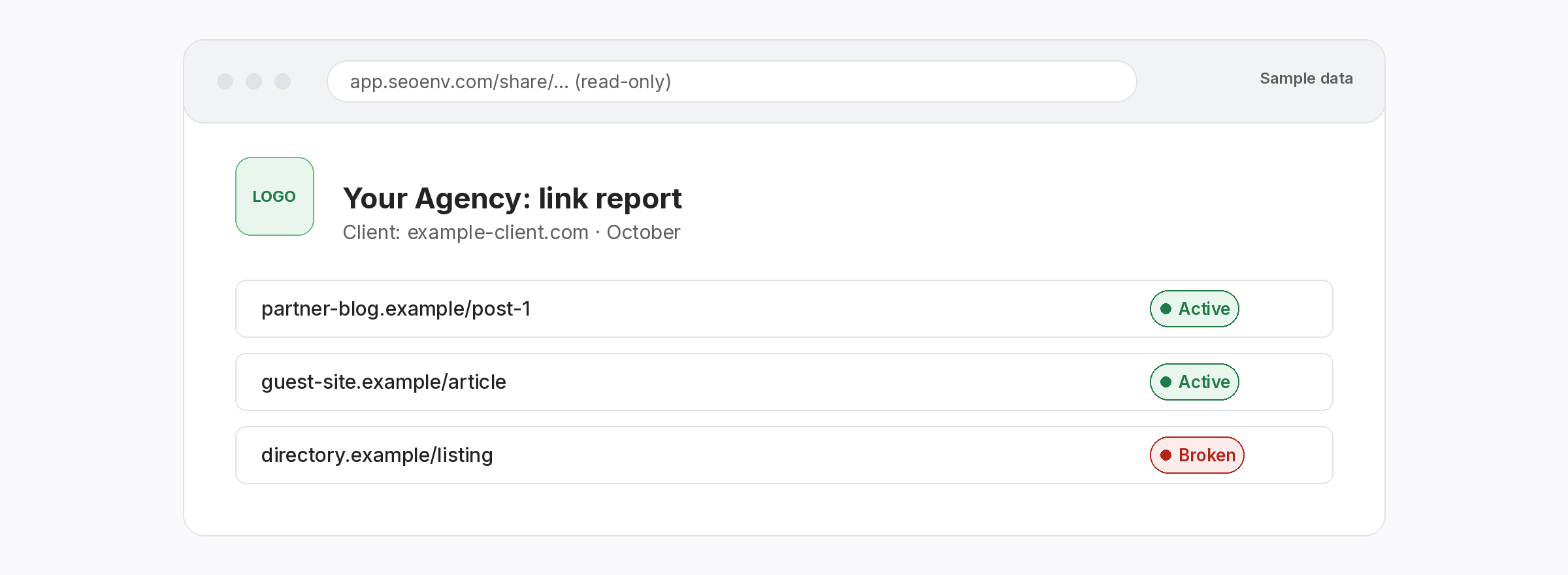
Instead of attaching a PDF, link to a report that updates after every check. Then the client sees the current status whenever they open it, not the status on the day you sent the email. Also, a single link stays the same each month, so clients learn where to look.
- One link: the same address every month, so clients know where to look.
- Current status: updated after each check.
- Read-only: clients see links, not your workspace.
Three clear lines beat a ten-page attachment.
Lead with what changed.
SEOENV features behind the report
All of these are live in the app today.
We have read a lot of client emails that hide the important part, especially the summary. So these templates put the summary first, because that is the part clients read.
Before you send the monthly link report email
First, refresh the link statuses, so the summary matches what the client will see. Then check the numbers against last month. Similarly, our report day checklist covers the steps, and our guide to what clients want in link reports explains which numbers matter.
Also, keep the tone plain. Avoid jargon such as “link velocity” unless the client uses it. For nofollow changes, our guide to reporting nofollow links helps, and Google’s guide to qualifying outbound links explains the attributes if a client asks.
Questions about the monthly link report email
What should a monthly link report email include?
A clear subject, a link to the report, a three-line summary, any problems explained and next month’s focus.
Should I attach a PDF?
You can, but a link to a report that updates after each check stays accurate for longer.
How do I report lost links?
Mention them in the email, explain the cause if known and say what you are doing about it.
How long should the email be?
Short. Most clients read the first few lines, so put the summary there.
When should I send it?
At the same time each month, after you refresh the link statuses.
Send one link that stays current.
Share a read-only report that updates whenever a check runs.
