
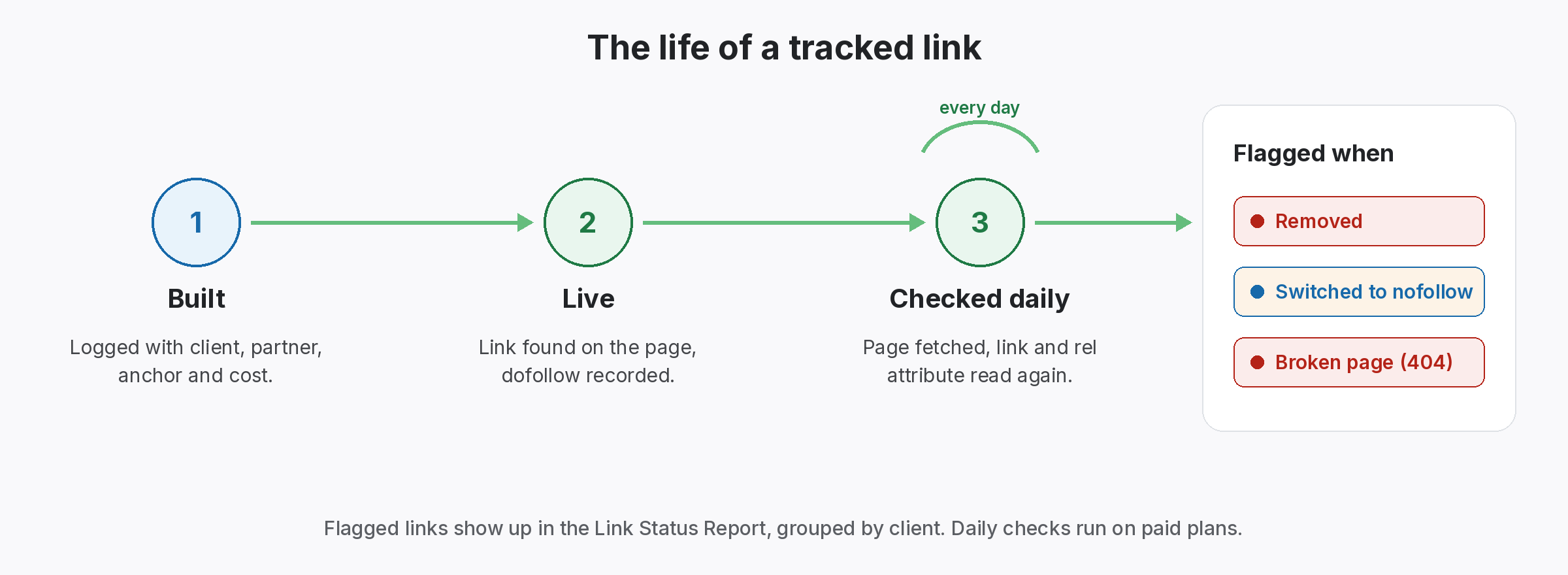
A broken link building email tells an editor that a link on their page no longer works, then suggests a replacement if you have one that genuinely fits. It works because you are helping first. These templates lead with the problem, keep the ask small and make it easy to say yes.
Broken link building email templates that help editors
Broken link building email templates
Each template points out a real broken link first, then suggests a replacement only if it genuinely fits. Above all, keep them short and specific.
1. First contact
Subject: Broken link on [page title]

Hi [name],

I was reading [page title] and noticed the link to [broken resource] in the section on [topic] now leads to an error page.

If you are looking for a replacement, we have a page on the same topic: [your URL]. It covers [one-line summary].

Either way, I thought you would want to know about the broken link.

[Your name]
2. Resource lists
Subject: A dead link on your [topic] resources page

Hi [name],

Your resources page at [URL] is really useful. I noticed that [resource name] no longer loads; it returns an error.

If you want an alternative, [your page title] at [your URL] covers similar ground.

Thanks for keeping the list going.

[Your name]
3. Follow-up
Subject: Re: Broken link on [page title]

Hi [name],

Just a quick follow-up on the broken link in [page title]. The link to [broken resource] still returns an error.

No need to reply if you have already seen it. Thanks!

[Your name]
4. Thank you
Subject: Thanks for the update

Hi [name],

Thanks for fixing the link on [page title], and for including [your page]. If anything on our page ever stops working, just let me know.

[Your name]
Copy, then edit the brackets. Keep your own voice; editors can spot a template.
Why a broken link building email gets replies
You are pointing out a real problem.
Most outreach asks for something. However, a broken link building email starts by giving: it tells the editor about a problem on their own page. So editors are more likely to read it, and some will use your suggestion.
For example, picture an outreach specialist who finds a dead link on a popular guide. Instead of opening with her own page, she names the section, the broken resource and the error. Then she mentions her page in one line. Because the email is useful either way, the editor replies.
Vague emails
“You have broken links” without any details.
Pushy asks
Leading with your page instead of their problem.
Poor fits
Suggesting a page that does not replace the lost one.
What a good broken link building email includes
Five parts, kept short so editors read them.
- A specific subject: name the page, not “SEO opportunity”.
- The exact problem: which link, in which section, and what happens.
- An optional fix: your page, only if it genuinely replaces the lost resource.
- One line of context: what your page covers.
- No pressure: make it clear the tip is useful either way.
Find links worth a broken link building email
Start with pages that matter to your audience, then check them.
First, find relevant pages, such as guides and resource lists in your niche. Then check their outbound links for errors. In addition, our guide to checking outbound links explains how. Finally, only pitch where your page genuinely covers what the dead link used to.
- Relevant: pages your audience reads.
- Broken: links that return errors.
- Fit: your page replaces the lost one.
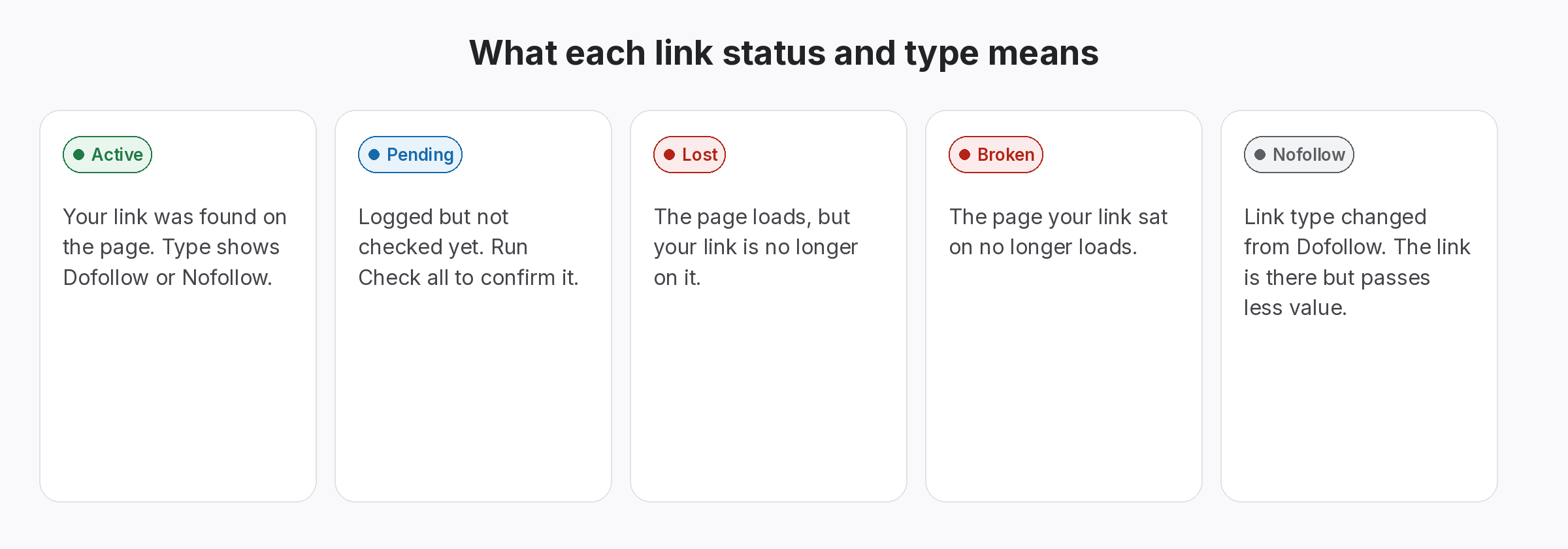
Track results from each broken link building email
Record the link as soon as it goes live.
When an editor adds your link, record it with the page, target and anchor. Then check it over time, because pages that once had broken links may not be well maintained. Also, send a short thank-you; it keeps the door open. Besides, our guide to the prospect to placement pipeline shows how to keep pitches and results together.
- Record: page, target and anchor.
- Check: status over time.
- Thank: a short note to the editor.
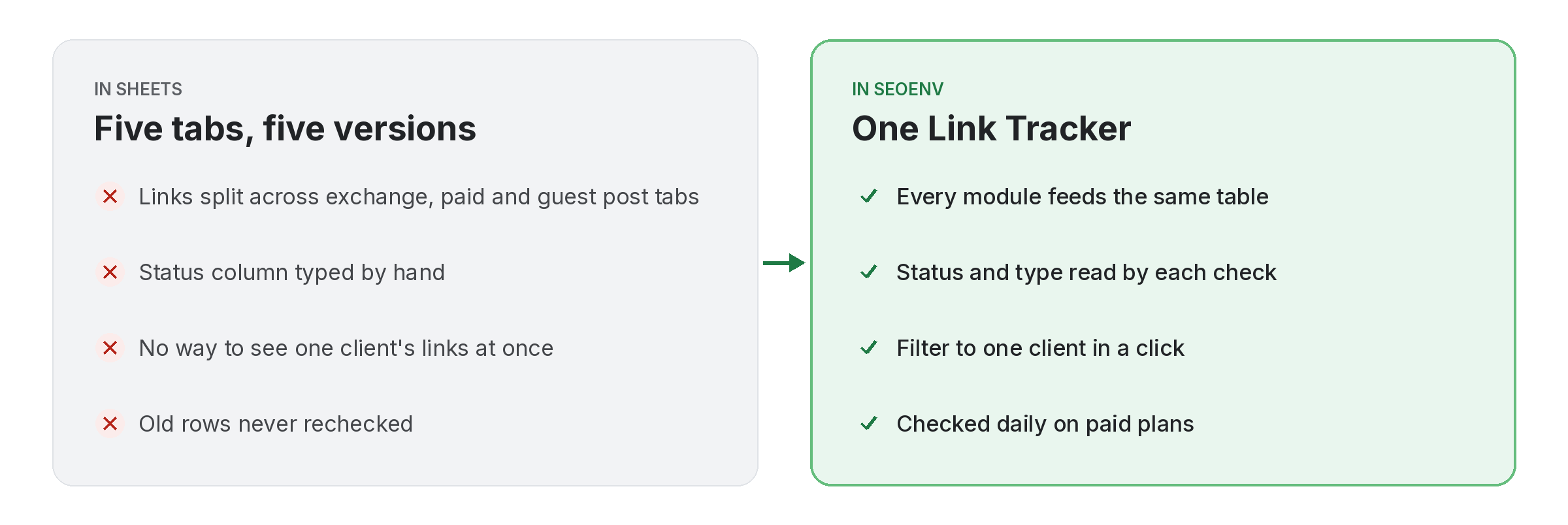
Help first. Ask second.
The best outreach is useful even if they say no.
SEOENV features for links you earn
All of these are live in the app today.
Broken link outreach works when it is genuinely helpful and fails when it is a disguised pitch. So these templates keep the helpful part first.
Broken link building email etiquette
Above all, keep each email personal and specific. Mass emails with “I found broken links on your site” rarely work, since editors can tell they are generic. Also, follow up once at most; our guide to follow-up timing covers spacing, and stopping duplicate outreach helps teams avoid double emails.
Finally, remember that the editor decides. Some will fix the link without using your page, and that is fine. Also, Google’s spam policies favour editorial choices like this. If your own links break, see our link reclamation email templates.
Questions about the broken link building email
What is a broken link building email?
An email telling an editor about a dead link on their page, with an optional replacement.
Should I always suggest my page?
Only when it genuinely replaces the lost resource.
How long should the email be?
Short: the problem, an optional fix and a sign-off.
How often should I follow up?
Once at most, after a week or two.
What should I do after the link goes live?
Record it and check it over time, then thank the editor.
Track every link you earn.
Record each one and check it stays live.
