
Link reclamation email templates for every kind of lost link
A link reclamation email works best when it matches the cause. Then a removed link, a deleted page and a nofollow switch each need a different ask. These five short templates cover the common cases, plus one follow-up, so you can send the right email in a couple of minutes.
Why a link reclamation email feels awkward
On the other hand, you’re asking someone to fix something they may not know they broke.
Because of that, most editors don’t remove links out of spite. For example, Sites get redesigned, old posts get trimmed, and plugins change how links are handled. So the editor usually has no idea anything changed. For example, a short, specific email makes it easy for them to help.
Even so, the awkward part is the generic version: “your link is missing”. Finally, it doesn’t say which post, which link, or what you’d like done. Editors get many of those. Meanwhile, a precise email with the post URL, the date and one clear ask gets a much better hearing.
Wrong ask
However, One template for every cause confuses the editor.
Missing details
No post URL, no date, no target. The editor has to guess.
Too pushy
Demands get ignored. A friendly note gets answered.
Check the cause before any link reclamation email
Of course, Two minutes of checking saves an awkward reply.
- Open the page: is the link really gone, or did a tool just miss it?
- Check the page loads: an error page needs template 2, not template 1.
- Check the rel value: a link that is there but nofollow needs template 3. Google explains the rel values.
- Check your own page: if your URL moved, fix it with a redirect first.
What makes a link reclamation email work
Meanwhile, Short, specific and easy to say yes to.
Name the post and the date it went live, so the editor can find it. Say exactly what changed. Then make one ask, and offer to help, for example with a new anchor if the copy changed. Finally, send it to whoever agreed the placement, not a general contact form.
- Specific: post URL, date and your page.
- One ask: restore, redirect, update or explain.
- Right person: the editor who agreed it.
Log the reply to each link reclamation email
The step most teams skip.
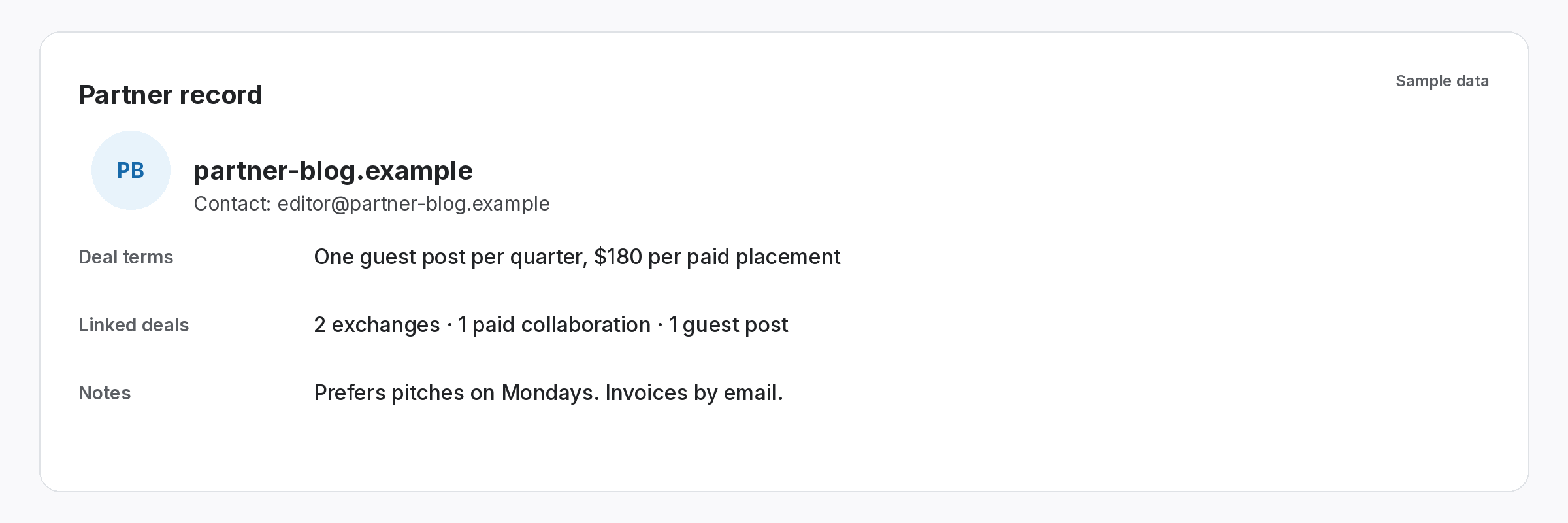
Write the outcome on the link record: what you asked, when, and what they said. Once the editor confirms a fix, recheck the link so its status updates. If there’s no reply after a week, send template 5 once. After that, record the outcome and decide whether to replace the link.
- Record the ask: date and template used.
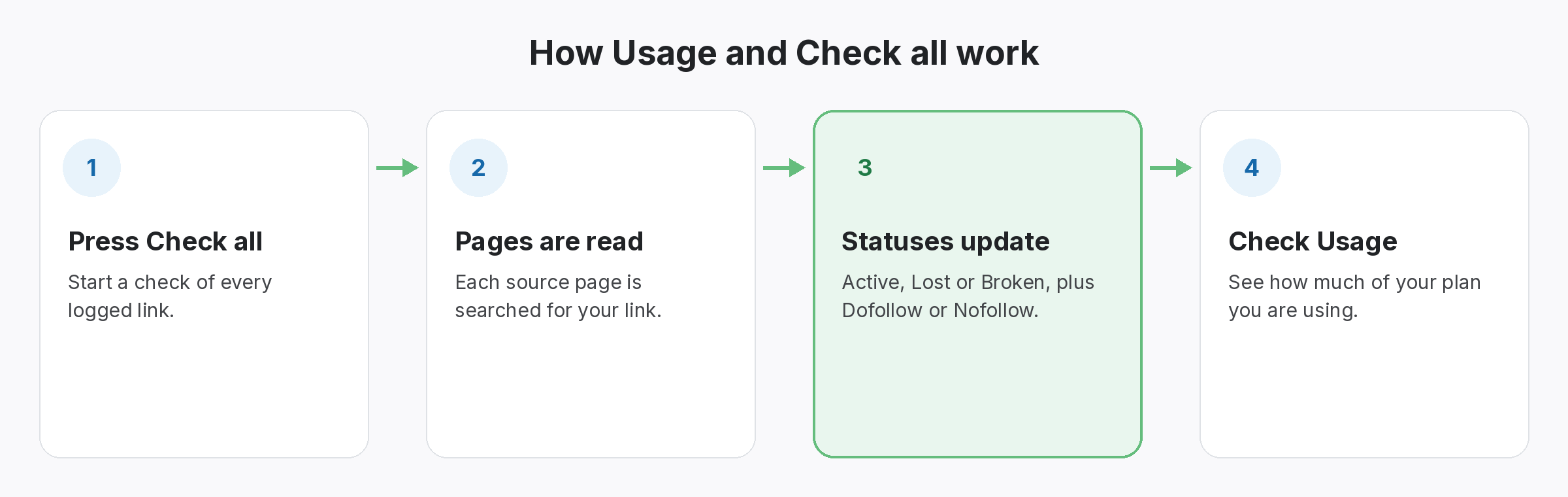
- Recheck on reply: Check all updates the status straight away.
- One follow-up: then close it.
The best reclamation email is the one that names the post.
Specific beats polite. As a result, Polite and specific beats everything.
Know which links need an email
Of course, all of these are live in the app today.
Link reclamation workflow
Even so, the full process for links you built.
Link Status Report
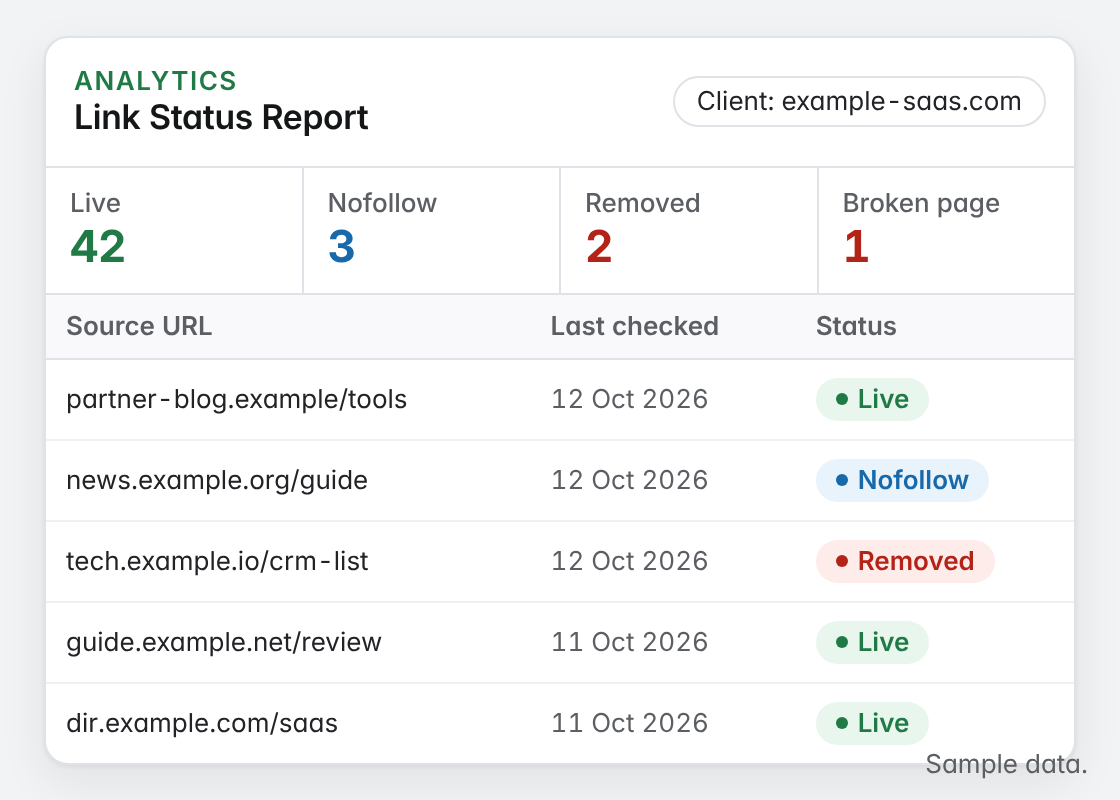
After that, Lost, Broken and Nofollow links per client. From Starter.
Of course, we’ve sent and received plenty of bad link reclamation email attempts. These templates are the short, specific versions that actually get replies.
Link reclamation email tips
Match the template to the cause, keep it under a hundred words, and send it soon after you notice the change. Editors respond better while the post is fresh. For the full process, see the link reclamation workflow.
If you’re not sure why a link went, try the free lost backlink checker first. For the common causes, read why backlinks disappear, and for more examples, how to reclaim lost backlinks.
Questions about the link reclamation email
In addition, what should a link reclamation email include?
Still, the post URL, the date it went live, what changed, one clear ask, and an offer to help.
How long should I wait before following up?
About a week. Send one follow-up, then record the outcome.
Then Should I use the same email for every lost link?
However, No. A removed link, a deleted page and a nofollow switch each need a different ask.
Does SEOENV send these emails?
Rather, No. SEOENV shows which links need attention and who to contact. You send the email yourself.
Are the templates free?
Yes. Copy them and edit the brackets.
See which links need a reclamation email.
Log your links. On the other hand, SEOENV checks each one and shows what changed.
