
By SEOENV Team | Published October 23, 2026
Inbound links and backlinks are the same thing: links on other websites that point to your site. An outbound link is the opposite, a link from your site to another site, and an internal link connects two pages on the same site. The same link has different names depending on whose site you're looking at, which is where most of the confusion comes from.
Here's a plain-English guide to each term, why each matters for SEO and what to do with each.
Key takeaways
- Inbound links and backlinks are two names for the same thing.
- Outbound links point from your site to another site.
- Internal links connect pages on the same site.
- Each type does a different job for readers and SEO.
- Whose site it is decides what you call the link.
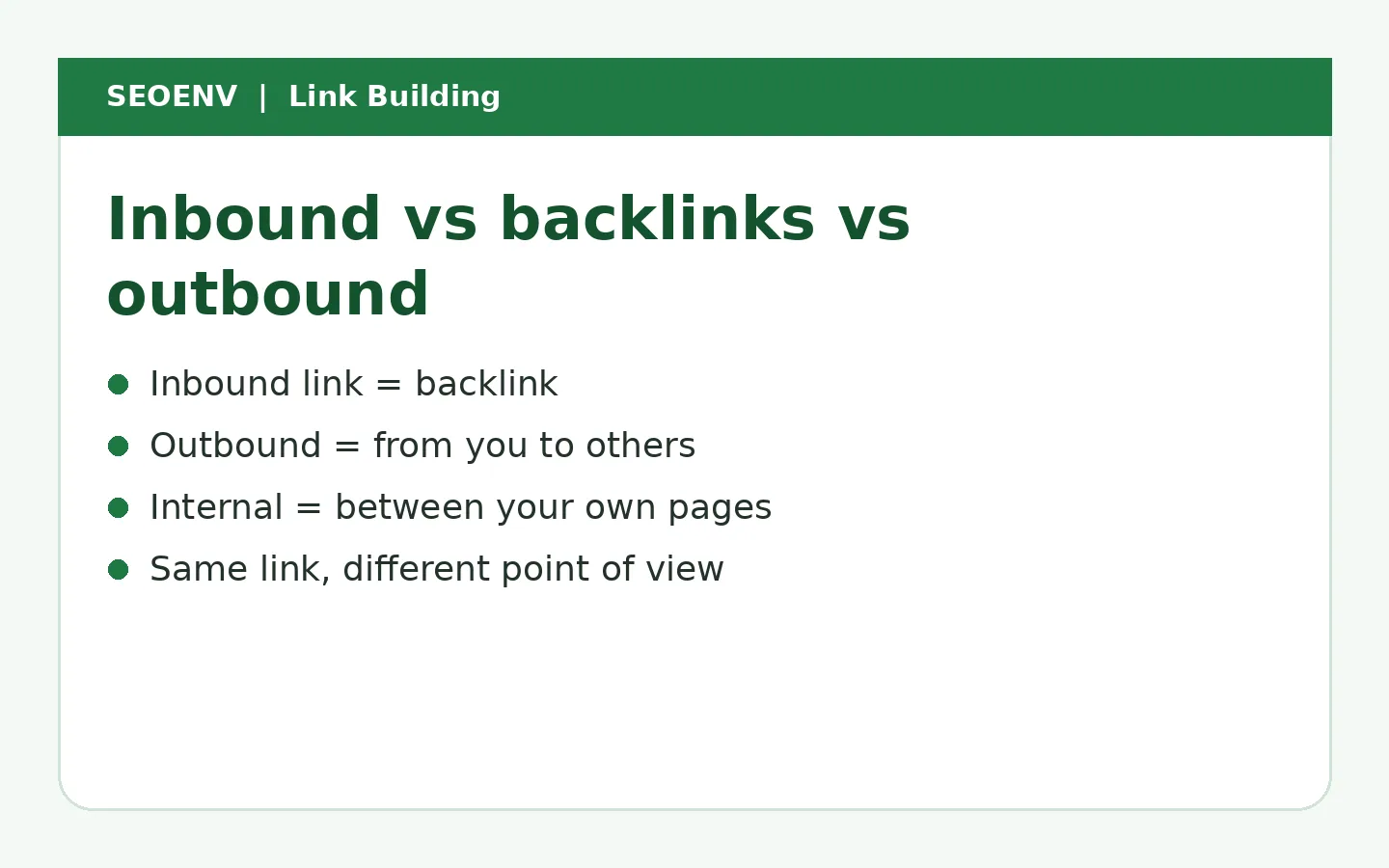
The terms side by side
| Term | Direction | Also called | Main SEO role |
|---|---|---|---|
| Inbound link | Other site → your site | Backlink, incoming link, external backlink | Discovery, authority, referral traffic |
| Backlink | Other site → your site | Inbound link | Same as above |
| Outbound link | Your site → other site | External link | Citing sources, helping readers |
| Internal link | Your page → your page | Site link | Navigation, passing authority, context |
| Referring domain | Unique site linking to you | Linking domain | Measures breadth of inbound links |
Inbound links vs backlinks: is there a difference?
No. "Inbound link" was more common in early SEO writing; "backlink" is the term most tools use today. Google Search Console calls them "external links" in its Links report, which adds a third name for the same idea, because they are links from external sites.
If someone tells you there's a technical difference, they're usually describing something else, such as referring domains (unique sites) versus individual links.
One link, three names
Imagine a blog at example-blog.com links to your guide at yoursite.com.
- For yoursite.com, it's an inbound link or backlink.
- For example-blog.com, it's an outbound or external link.
- If example-blog.com links to another of its own posts in the same article, that one is an internal link.
Inbound links in SEO: why they matter
Inbound links help in three ways:
- Discovery. Google finds pages by following links.
- Authority. Links from relevant, trusted sites are one of the signals Google uses to judge a page's importance.
- Traffic. Readers click through, whatever the SEO effect.
Our guide to what backlinks are covers this in more depth.
Outbound links: why they matter
Outbound links help readers verify claims and find more information. Google's link best practices treat links as a way to help people find related content. Linking to good sources won't boost rankings by itself, but it makes content more trustworthy. See are external links good for SEO.
Internal links: why they matter
Internal links are the links you control completely. They:
- help visitors move to related content;
- help Google discover and understand your pages;
- pass authority from strong pages to newer ones.
Our guide to link equity explains how internal links spread value around your site.
Inbound link building: what it means
"Inbound link building" just means getting other sites to link to you. Agencies sometimes call themselves "inbound link building companies", which is the same service as link building. Whatever the label, the methods are the same: useful content, outreach, guest posts, digital PR and partnerships.
Inbound links are also the type you control least. You can't edit another site's page. A partner can remove your link, add nofollow or redirect the page, and you won't be told.
Watch the inbound links you've built
Log each backlink and SEOENV checks it's still live and followed.
Worked example: classifying links on one page (example data)
The page and numbers below are invented example data.
A 1,500-word guide on example-blog.com about SEO reporting contains:
| Link in the guide | From example-blog.com's view | From the linked site's view |
|---|---|---|
| 6 links to other guides on example-blog.com | Internal | Internal |
| 3 links to Google documentation | Outbound | Inbound (backlink) for Google |
| 1 link to yoursite.com's report template | Outbound | Inbound (backlink) for you |
| 1 affiliate link to a reporting tool, rel="sponsored" | Outbound, qualified | Inbound, sponsored |
For yoursite.com, this page gives one backlink from one referring domain. For example-blog.com, it has six internal links and five outbound links.
How to see each type for your own site
- Inbound links: Google Search Console → Links → Top linking sites and Top linked pages. Backlink tools show more detail.
- Outbound links: a site crawler such as Screaming Frog lists external links per page.
- Internal links: Search Console's Links report shows top internally linked pages; crawlers show the full map.
Which type should you work on first?
| Situation | Start with |
|---|---|
| New site with good content | Internal links, then inbound links |
| Established site, important pages not ranking | Inbound links to those pages |
| Content lacking sources | Outbound links to primary sources |
| Many orphan pages | Internal links |
Internal links are the quickest win because you need nobody's permission. Inbound links usually take the most effort and make the biggest difference in competitive searches.
Common misunderstandings
- "Outbound links leak authority." Normal outbound links don't meaningfully harm rankings.
- "Internal links count as backlinks." They don't, but they still matter.
- "More inbound links always means better rankings." Relevance and quality matter more than count.
- "Inbound links and backlinks are tracked differently." They're the same links, just different names.
A short glossary of related terms
- Referring domain: a unique website that links to you, however many links it gives.
- Dofollow / followed link: a normal link without a qualifying rel value.
- Nofollow, sponsored, ugc: rel values that tell Google about the link's nature. See do nofollow links help SEO.
- Anchor text: the clickable words of a link.
- Orphan page: a page with no internal links pointing to it.
- Link profile: all inbound links to a site.
- Reciprocal link: two sites linking to each other.
Why the terms matter in client work
Mixing up terms causes real problems in agency work. A client who asks for "more outbound links" usually means backlinks. A report that counts internal links as "links built" overstates the work. Agreeing on terms in the proposal, and using referring domains as the headline measure of inbound links, keeps reports honest and expectations aligned.
How SEOENV handles this
SEOENV focuses on the inbound links you build: exchanges, guest posts, paid placements and listings. For exchanges, it records both directions, your outbound link to the partner and their inbound link to you, in one row, and checks both. That's where the terminology stops being academic: each link is a backlink for one side and an outbound link for the other.
Track both legs of every link deal
See the link you gave and the link you got, each checked for status.
Whatever you call them, the important question is the same: which links point to your site, are they still there, and are they helping?
Keep your inbound links in one place
Free for up to 20 links, with checks on every plan.
Related reading
- What Are Backlinks? How They Work and Why They Matter for SEO
- Are External Links Good for SEO? How Outbound Linking Affects Rankings
- Link Equity (Link Juice) Explained for Site Owners
- Contextual Links in SEO: Why Placement Inside Content Matters
- How to Get Backlinks: 15 Proven Ways That Work in 2026
Sources
How we wrote this
The SEOENV Team wrote this guide from our day-to-day work tracking link exchanges, guest posts and paid placements, and checked the guidance against the sources listed above. Any numbers in worked examples are illustrative example data, not results from a real site or study. We review our guides when Google updates its documentation.
Frequently asked questions
Are inbound links and backlinks the same?
Yes. Both terms mean links on other websites that point to your site.
What is the difference between inbound and outbound links?
Inbound links come from other sites to yours. Outbound links go from your site to other sites.
Do internal links count as backlinks?
No. Internal links connect pages on the same site. They help SEO but aren't backlinks.
What does Google call backlinks in Search Console?
The Links report calls them external links, listed under top linking sites and top linked pages.
Which matters more for SEO, inbound or outbound links?
Inbound links have a bigger effect on rankings. Outbound links matter for content quality and trust.

Leave A Comment